20
8.Video playback:
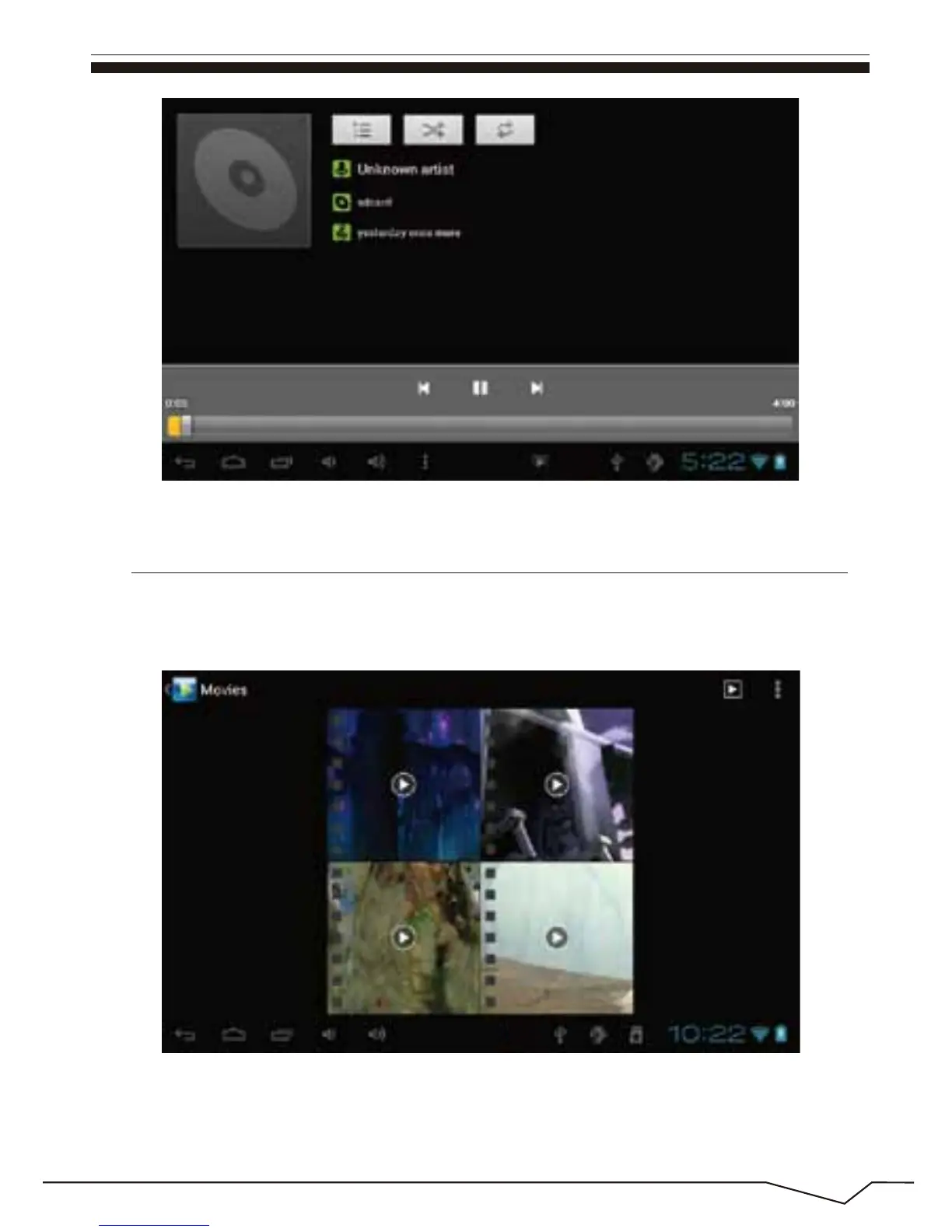
Click on the "Video player" in the main menu,to enter the "Super-HD player"
main interface. It lists all video files and image files as shown below:
Select the video file and enter the video playing interface,as shown below.
Select "play","stop","fast forward","rewind","progress" and other control keys
to control the payback schedule.

 To Next Page
 Loading...
