28
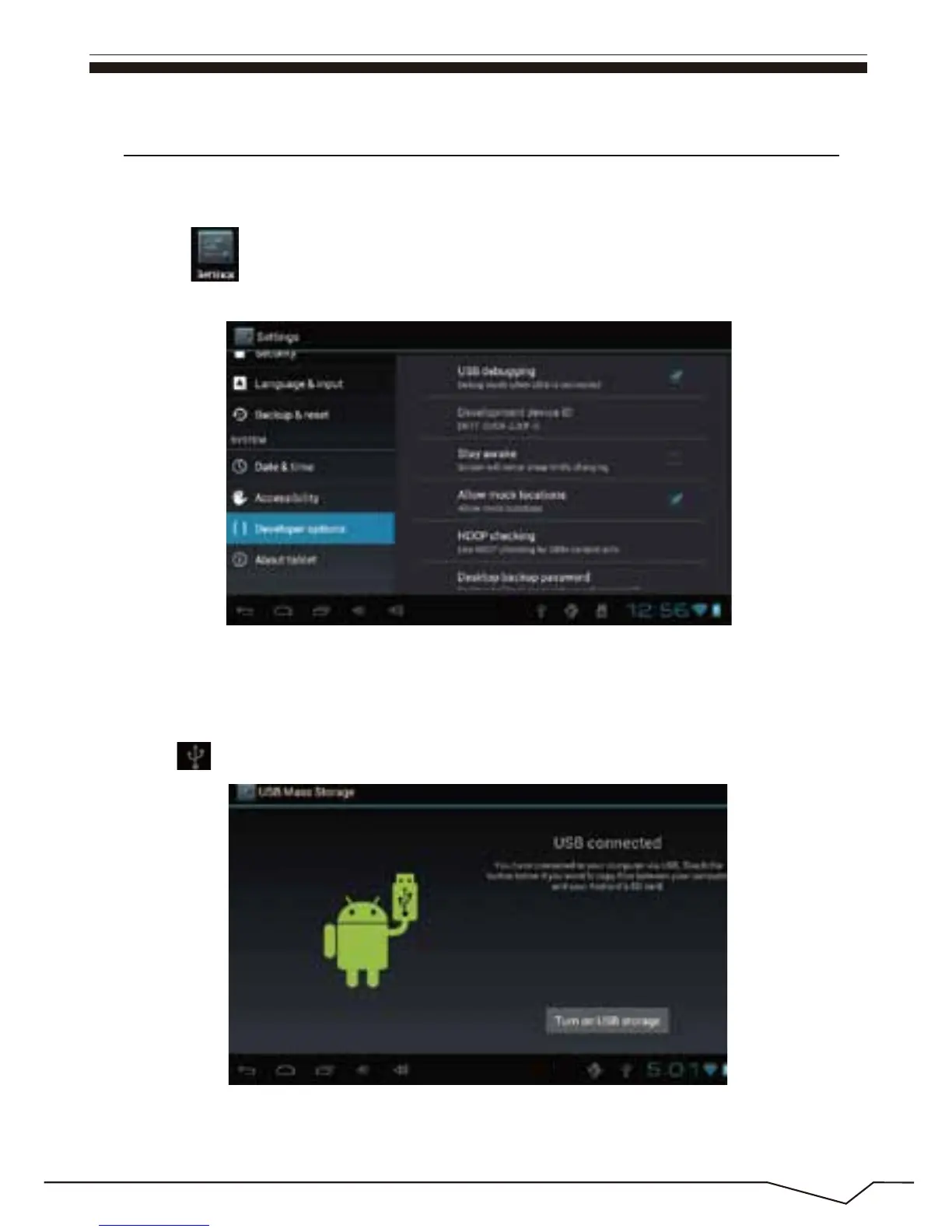
“USB connected”: It means that the external memory(SD) loading is
completed , and you can see the corresponding letter in the PC terminal.
14. External device
USB connection
Enter “setting”>”Developer options”>”Choose USB work pattern:
OTG/HOST/SLAVE……..
Using USB to connect the Cyberpad and PC, the default connection mode
is a synchronous mode.
You can drag the status bar to drop, appeared as the following interface:
Click into the USB connection hints.

 To Next Page
 Loading...
