27
The POP3 server:Default is “126.com”,and should be modified as
“pop.126.com”
The port number is “110”
Then select the “next”, you will enter the “inspection acceptance server
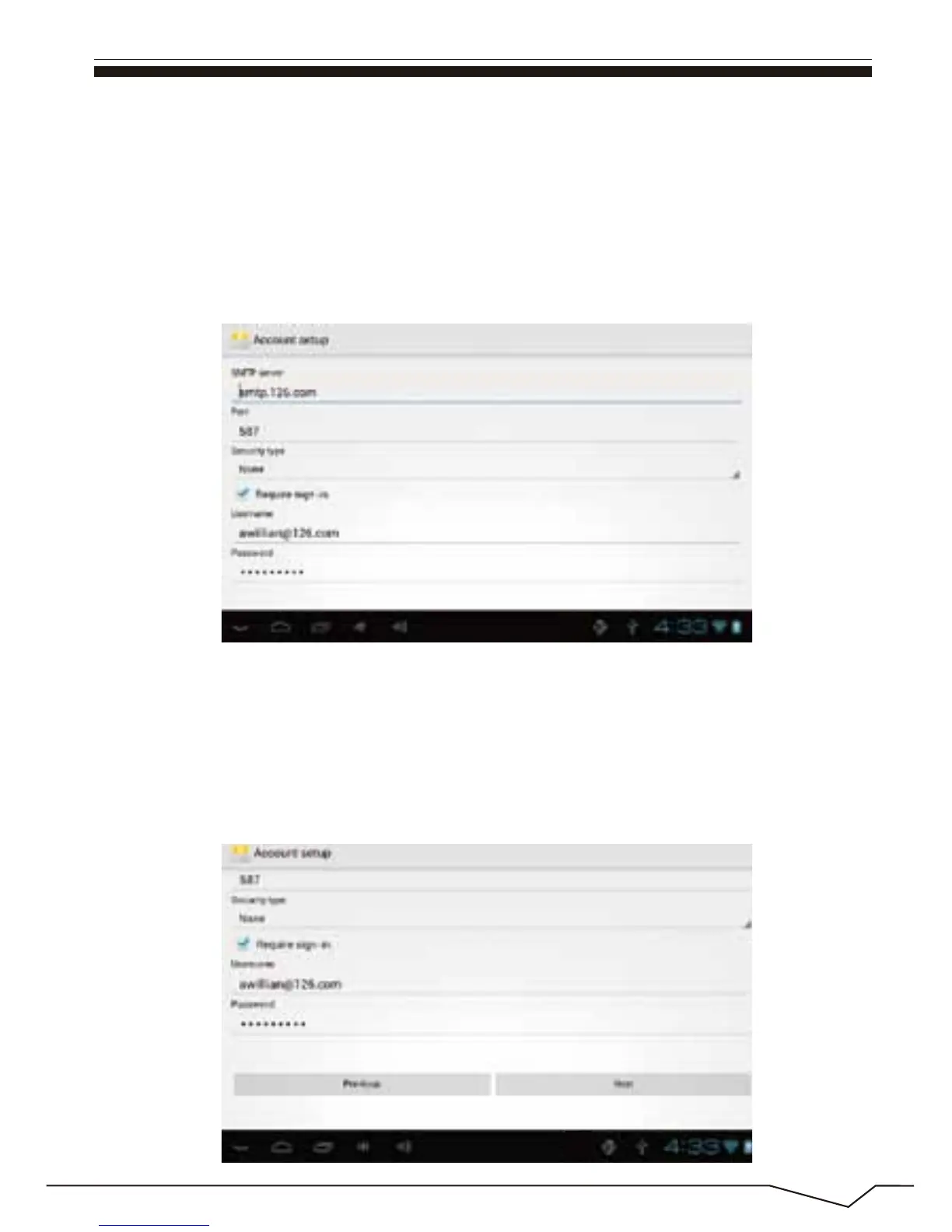
settings”, if set up correctly ,there will be a “foreign server settings”
interface as follows:
In the column”name”,input the name you want to display in the outgoing
message, and then click “finish”button,you can enter the mail interface. It
will load the mail automatically;
Select one of the column to be viewed in the message. You can do
“Reply”,”delete”,”more reply” and other operations at the view bar.


 To Next Page
 Loading...