26
In the email address bar,enter your valid email address:whhpwjh@126.com
In the email address bar,enter your valid password:********
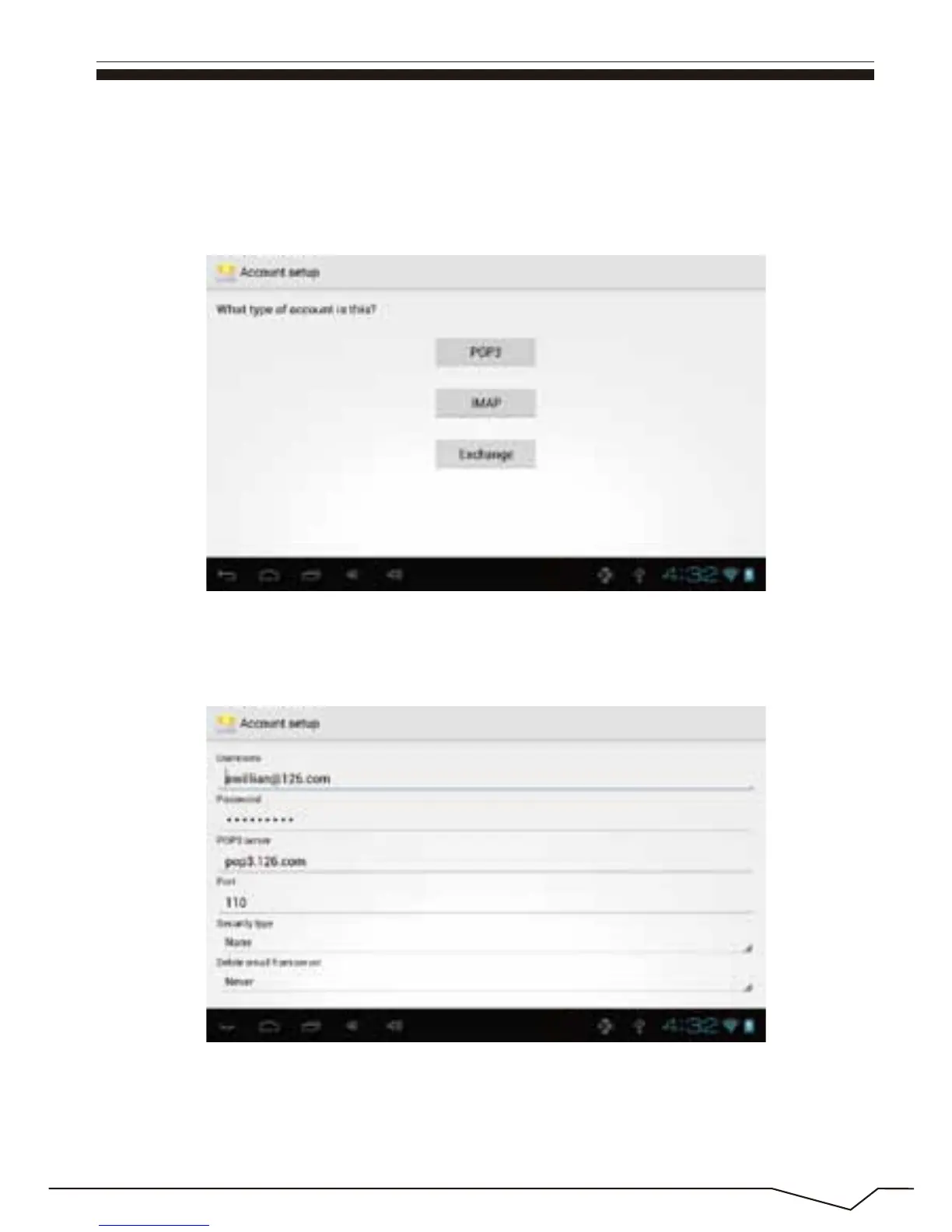
Then you can choose the “next”, account type selection interface will
appear as shown below:
Please according to each email provider’s information to set different
parameter, such as :
Choose POP3 account .And the receiving service settings will appear as
shown below:


 To Next Page
 Loading...