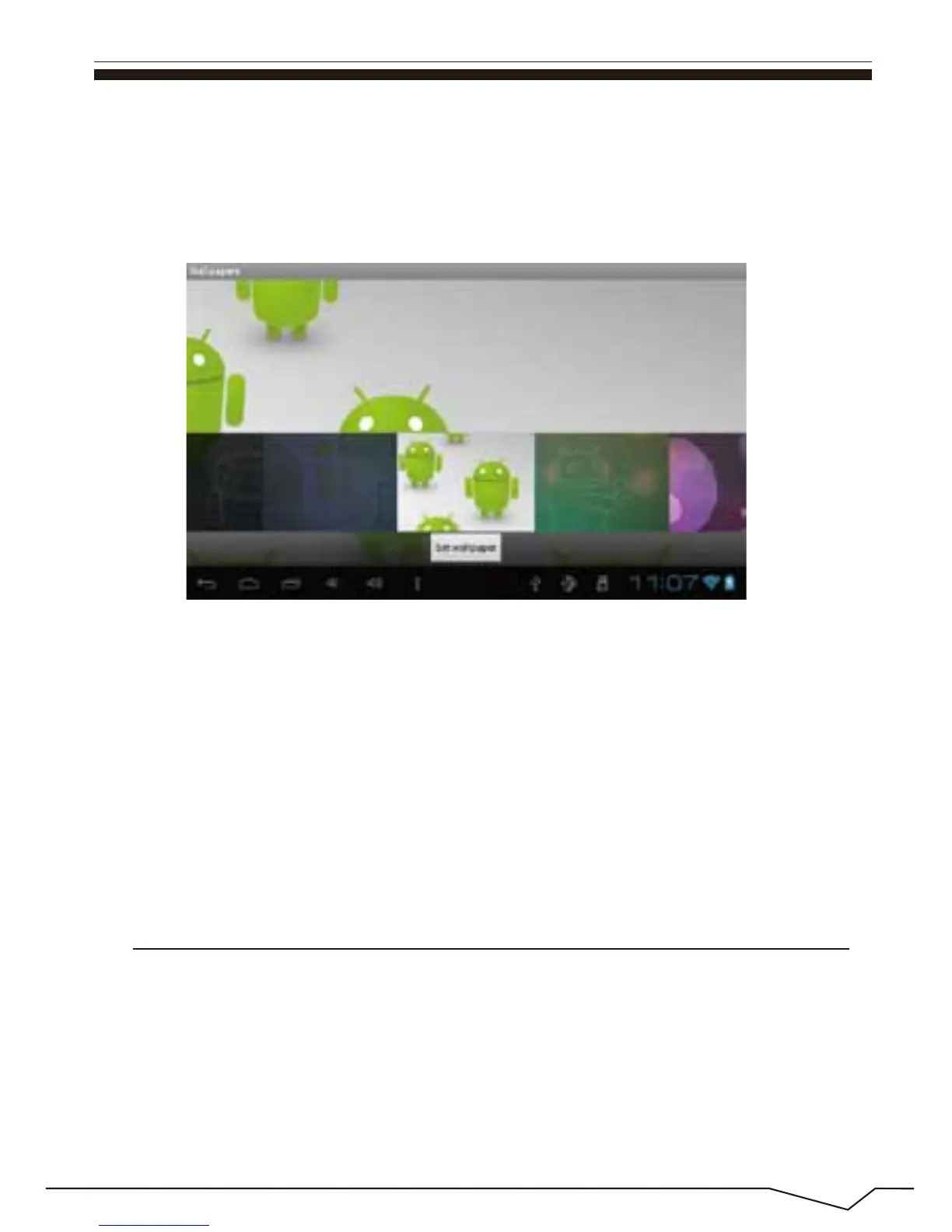
Select the "dynamic wallpaper"to use the system-supplied 3D wallpaper.
Select the"Gallery"to choose a picture supplied by the system as the
static wallpaper.
Or press on the screen and dialog box for the following to pop:
Into the above dialog box, click on the "wallpaper"set;
The following options will display:
Select"wallpaper"to customize wallpaper.
Select the "dynamic wallpaper"to use the system-supplied 3D wallpaper.
Select the "Gallery" to choose a picture supplied by the system as the
static wallpaper.
Click on the "sound recorder" icon in the main menu and enter the "sound
recorder" main interface as shown below:
23
11. Record

 To Next Page
 Loading...
