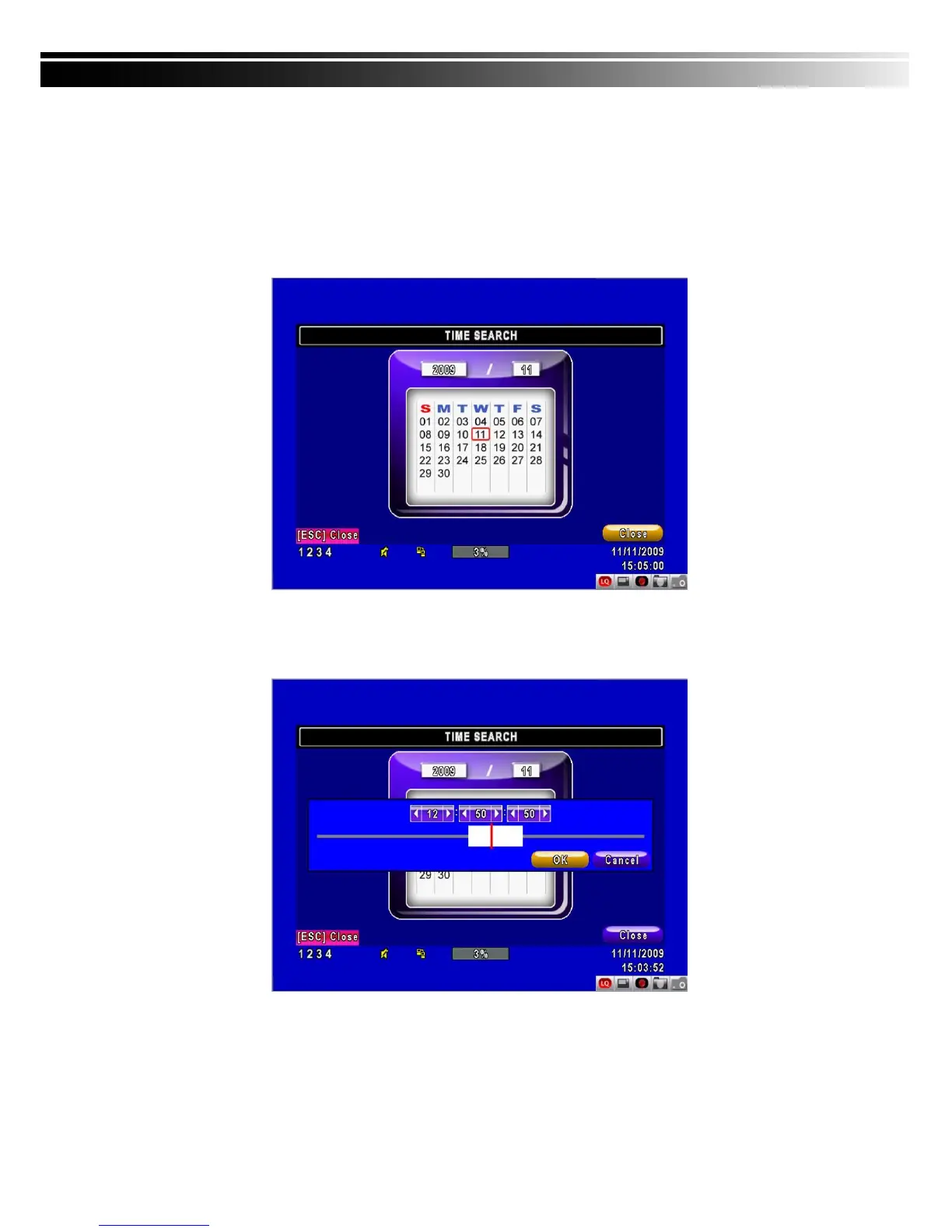
5-2.2 TIME SEARCH
TIME SEARCH can search for the specific time of recording data to playback. Press “Enter” or
left click on the desired date to playback. Note that dates with recording data are marked with a
red square “ □ “System will start playing back according to the date you selected. Calendar
will be shown by using mouse to click on “year” and “month”.
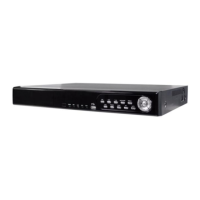
Click “date” to display recording time of that specific date with time bar. You can change time
(hour/minute/second) or click on a specific time of time bar by mouse then press “ok”. DVR will
playback the selected recording data.
AP software:「DVR Remote Desktop」can allow you to remotely access and control the DVR
from PC.


 To Next Page