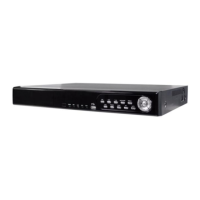
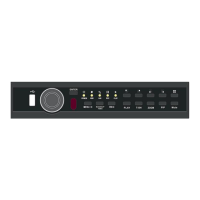
the functions of them under three different modes: LIVE, PLAYBACK and PTZ.
3-1 LIVE Mode
You can monitor all the channels, listen to audio signal and have some related operations under
LIVE mode. This paragraph describes the IR remote control, mouse operation and on screen
graphical icons under LIVE mode.
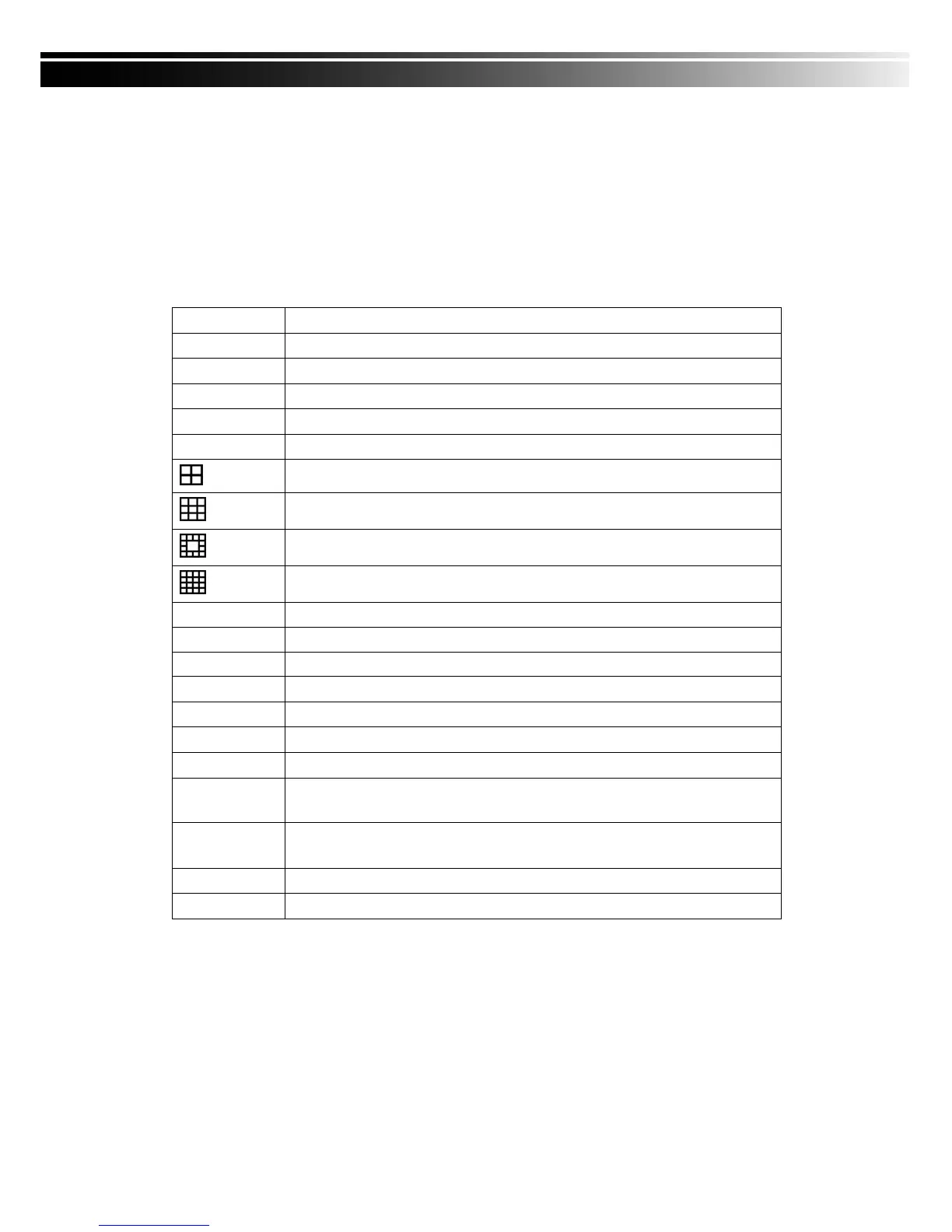
Table 3-1.1 Functions of remote control under LIVE mode
Table 3-1.2 Graphical icons that will display after right-clicking your mouse under LIVE mode.
Start playing back the most recently recorded segment.
Enable/Disable the Keypad function
Select the channel to monitor in full screen
Turn on/off screen freeze function.
Switch to 9-channel display. 4ch DVR doesn‟t feature this function.
Switch to 13-channel display. 4ch DVR doesn‟t feature this function.
Switch to 16-channel display. 4ch DVR doesn‟t feature this function.
Switch to full screen, quad display.
Enable/ Disable setup Menu.
Enable/ Disable backup menu.
Enable/ Disable search menu.
Switch channel 1 output audio / turn off LIVE audio
Turn on/off the screen display
Enable/ Disable double screen size display. You can click on the channel
name for choosing a specific channel.
Turn on picture-in-picture format. Click on the channel name can switch to
other channels.
In AUTO mode, all available channels will be cycled through in full screen.


 To Next Page