8-1.3.4 Size of Image
The screen size of different mobile device can be different. You can select “Size” under the
“Menu” to choose from “Original” or “Fit Screen” to resize the display image.
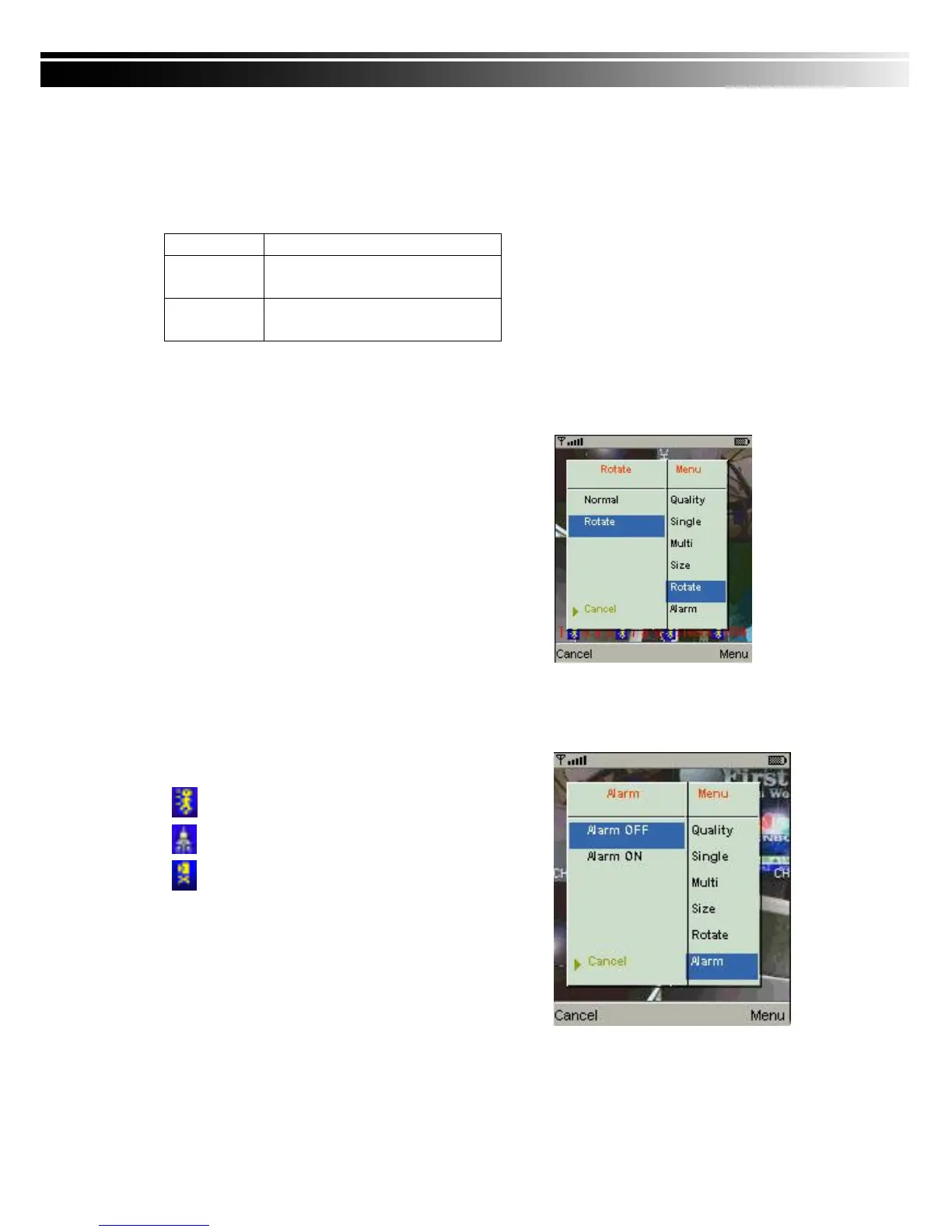
8-1.3.5 Rotate the image
The Live image can be displayed in normal or rotate to 90
degrees. Select “Rotate” under the “Menu” for this
operation.
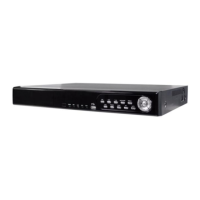
8-1.3.6 Alarm
This application not only allows you to remotely monitor through mobile device but receive the
alarm that has been triggered by events such as Motion Detected, Sensor Triggered and Vloss.
Graphical icons below will be shown on the status:
: Motion detected
: Sensor triggered
: Video loss
Select the “Alarm” under the “Menu” to switch this
function on or off.


 To Next Page