18
4.5 Initial start-up
1. Connect the power cord (16) with the wall socket.
2. Put the On/Off switch (11) at the rear of the furnace on position
“I” and connect the vacuum pump.
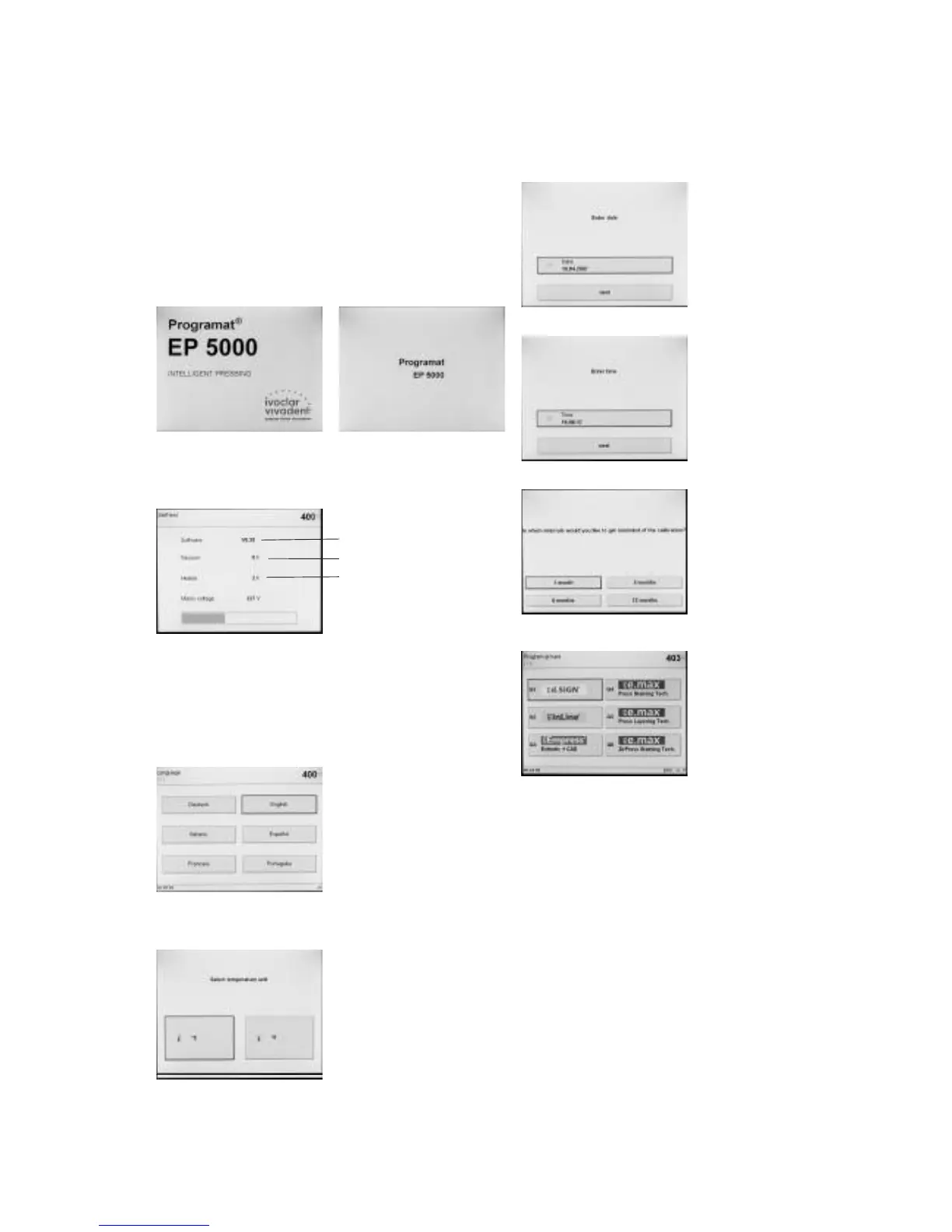
4.5.1 Start screen
Immediately after switching on, the display briefly shows the start
screen.
The furnace will now automatically conduct a self-test. The
performance of all furnace components is automatically checked.
The display shows the following indications during the self-test:
1 SW version
2 Indication of the vacuum pump hours
3 Indication of the heater firing hours
If any component is defective, the corresponding error number
(ER xxx) will be indicated in the display.
4.5.2 Language selection
If a new furnace is switched on
for the first time, the language
selection screen will be displayed.
The desired language is set by
means of the respective touch
button. After that, the next basic
setting screen (temperature mode)
appears. These settings are then
saved and will no longer appear
upon the subsequent start-ups.
4.5.3 Temperature mode
Select the desired temperature
mode.
1
2
3
4.5.4 Setting the date
Enter the date (day/month/year).
4.5.5 Setting the time
Enter the time
(hours/minutes/seconds).
4.5.6 Selecting a reminder for the calibration interval
In this screen, you may define at
what interval the furnace should
remind you to conduct the next
temperature calibration procedure.
Additional modifications can be
carried out according to the point
"Extended settings".
4.5.6 Initial screen or first selection screen (program groups)
Once the language has been
selected, the first selection screen
(program groups) is displayed.















 To Next Page