26
6. Practical Use
The operating procedure for the Programat EP 5000 will be
explained with the help of two examples: one standard and one
individual program.
6.1 Switching on/off
Put ON/OFF switch (11) on
posi-tion “I”. The furnace
conducts an automatic self-test,
which will be indicated in the
beginning.
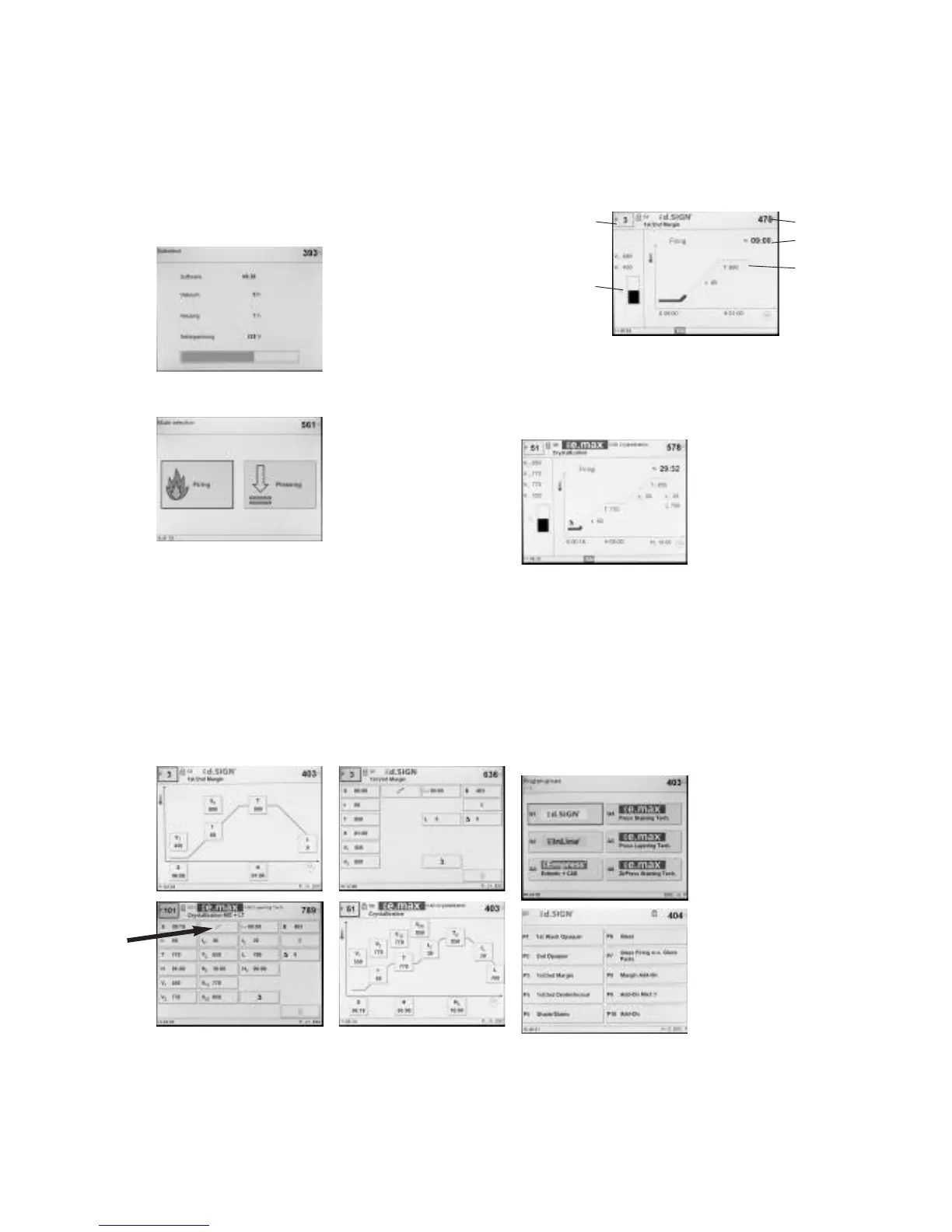
Subsequently, a status bar shows
how many % of the self-test have
been completed. Make sure that
the furnace is not manipulated
during this time.
6.1.1 Main menu
After successful completion of the
self-test, the main menu is shown
in the display.
6.2 Firing programs
The Firing mode can be selected by means of the touch screen
function.
6.2.1 List of parameters
The cursor (black frame) shows the button which is currently active.
It can be moved by means of the arrow keys. If the cursor is
positioned on the program button, the desired program can be
selected using the + or - keys. As an alternative, the program
number can also be entered by means of the numeric keypad.
One-stage program
The list of parameters is accessed by pressing the Program key (70).
The list shows all the parameters.
If the cursor is positioned on the “one-stage symbol” and the
symbol is switched to the “two-stage symbol” by pressing the + or –
key, the program has been set to “two-stage”.
If the cursor is set on the “two-stage symbol” and the symbol is
switched to the “one-stage symbol” by pressing the + or – key, the
program has been set to “one-stage”.
6.2.2 The firing curve display
If the program is started with the START key, the firing curve display
with the vacuum status is shown.
The following information is always displayed:
a) Program number
b) Remaining time
c) Current temperature
d) Status of vacuum
e) Status bar
If a two-stage program is selected,
two stages are shown.
During a firing program in progress, the parameter firing curve may
be displayed at any time for information purposes by pressing the
"P" key. However, the parameters may only be changed with the
program stopped or the furnace in stand-by mode.
The vacuum indication and all the corresponding parameters are
faded out if no vacuum is needed. Only the necessary values are
displayed.
6.2.3 Firing using a standard program
Step 1:
Select the desired material (e.g.
IPS d.SIGN) in the program group
of your choice.
Now, select the desired program
(e.g. 1st opaquer).
Step 2:
Now, open the furnace head by pressing the "Open furnace head"
key (90) and place the firing tray with the object to be fired in the
furnace.
Step 3:
Activate the program by pressing the "Start" button.
a)
d)
b)
c)
e)















 To Next Page