64
Step 3:
Load the furnace
Open the furnace head with the OPEN FURNACE HEAD key and
place the object on the firing tray in the furnace.
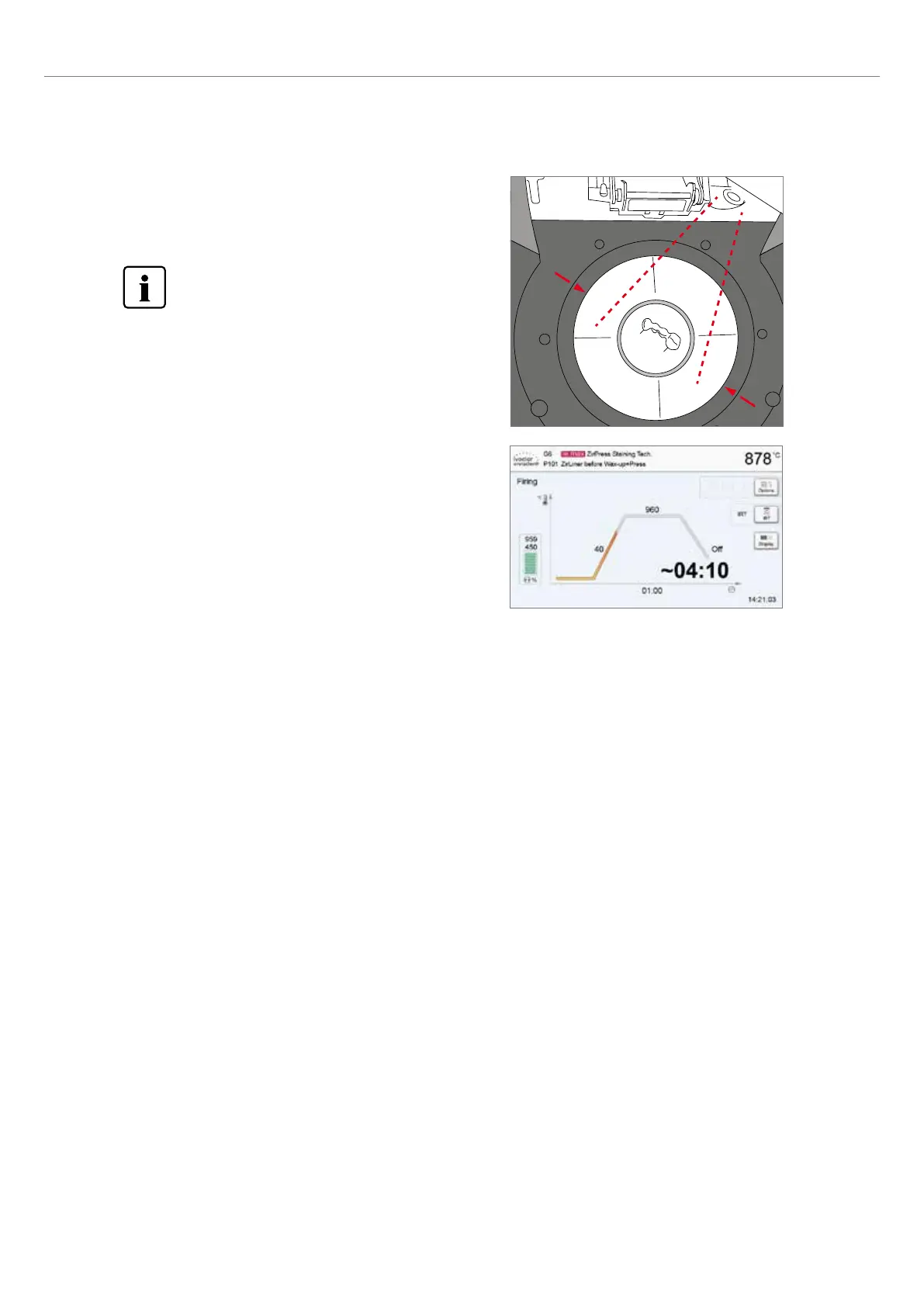
With the Infrared Technology active, position the objects
in such a way that the infrared camera has a wide view of
the objects. Use the markings on the frame plate (see
Figure) for orientation purposes.
6. Practical Use
Step 4:
Start the program
Press the START key to start the program. The LED lights up in
green. You can observe the course of the program on the firing
curve display.
The IRT key (see Chapter 5.1.2) is used to switch to the view of the infrared camera during the closing and predrying pro-
cess. The corresponding key is pressed again to return to the firing curve display.
The furnace head opens automatically at the end of the program. If the Optical Status Display (OSD) lights up green, the
furnace is ready for the next program start.















 To Next Page