75
8. What If ...
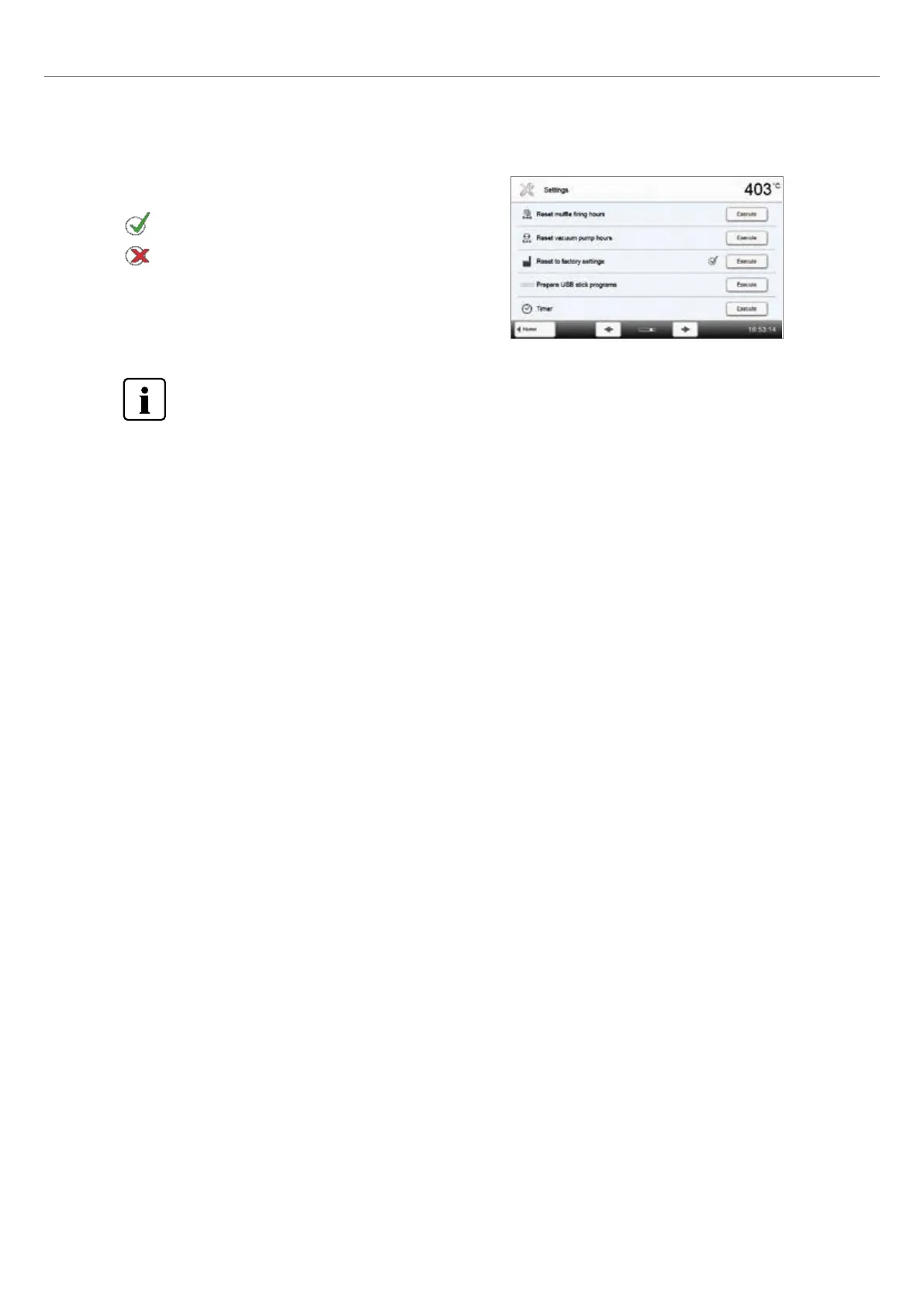
5. Complete resetting to factory settings
The following messages are displayed:
Reset to factory settings successful
Reset to factory settings failed
To return to the home screen, press either the touch button [Home] in the navigation bar or the HOME key on
the membrane-sealed keypad.















 To Next Page