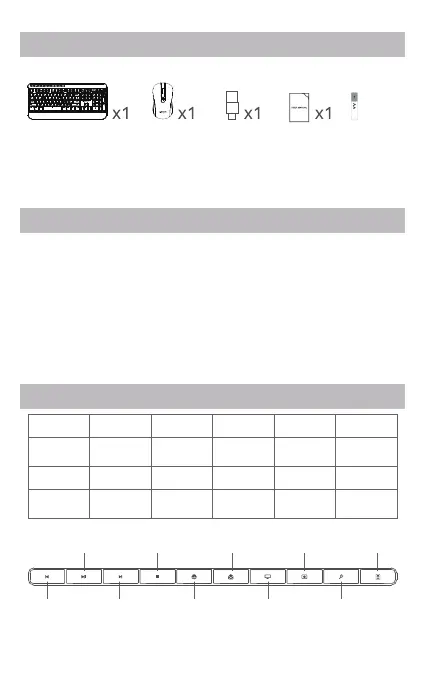
Previous
track
Favorites
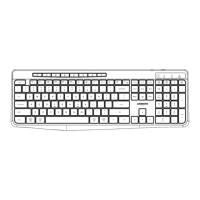
Fn+F2 Fn+F3 Fn+F4 Fn+F5 Fn+F6Fn+F1
Fn+F7
Play/Pause Stop Homepage Email My
Computer
Favorites
Fn+F8 Fn+F9 Fn+F10 Fn+F11 Fn+F12
Player Volume - Volume + Mute Previous
Track
Next Track
Contents
Instructions
Combined Multimedia Functions
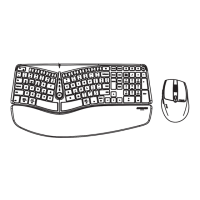
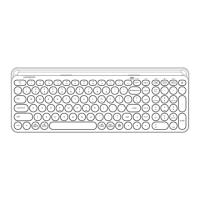
1. Keyboard
2. Mouse
3. USB-A/USB-C receiver
1. Take out keyboard and mouse from the package, and take out
USB-A/USB-C receiver from battery compartment of the mouse.
2. Insert two 1.5V AA batteries into the keyboard with the correct
polarity direction. And turn on its power switch.
3. Insert a 1.5V AA battery into mouse with the correct polarity
direction.
4. Plug the USB-A/USB-C receiver in computer port.
5. They are available after the driver is installed on computer
automatically.
4. Instruction Manual
5. AA batteries x3
Play/pause Stop Email Calculator
Next track
Homepage
My
computer
Search
2/4
x3



 To Next Page