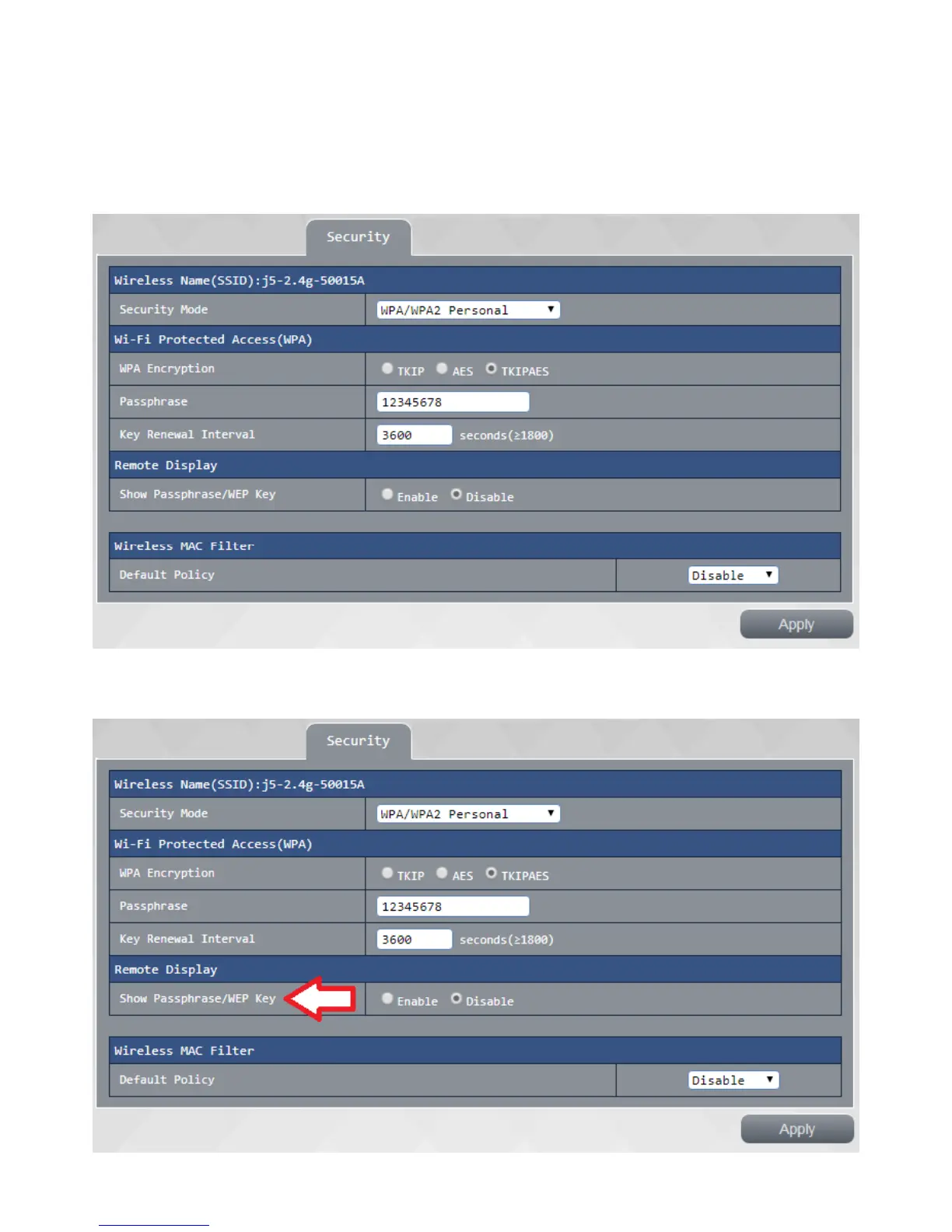
Security settings:
This page can be a safety 2.4G wireless network for further setting:
Security mode Select your 2.4G wireless signal on / off as well as encryption mode, support WEP and WPA
/ WPA2 security encryption mode
If you security mode select WPA / WPA2-personal mode, enter the password in the verify password the
project to 64 8-bit
Remote Display: this setting determines whether users can log in to see your wireless key when JWR2100
wireless projector



 To Next Page