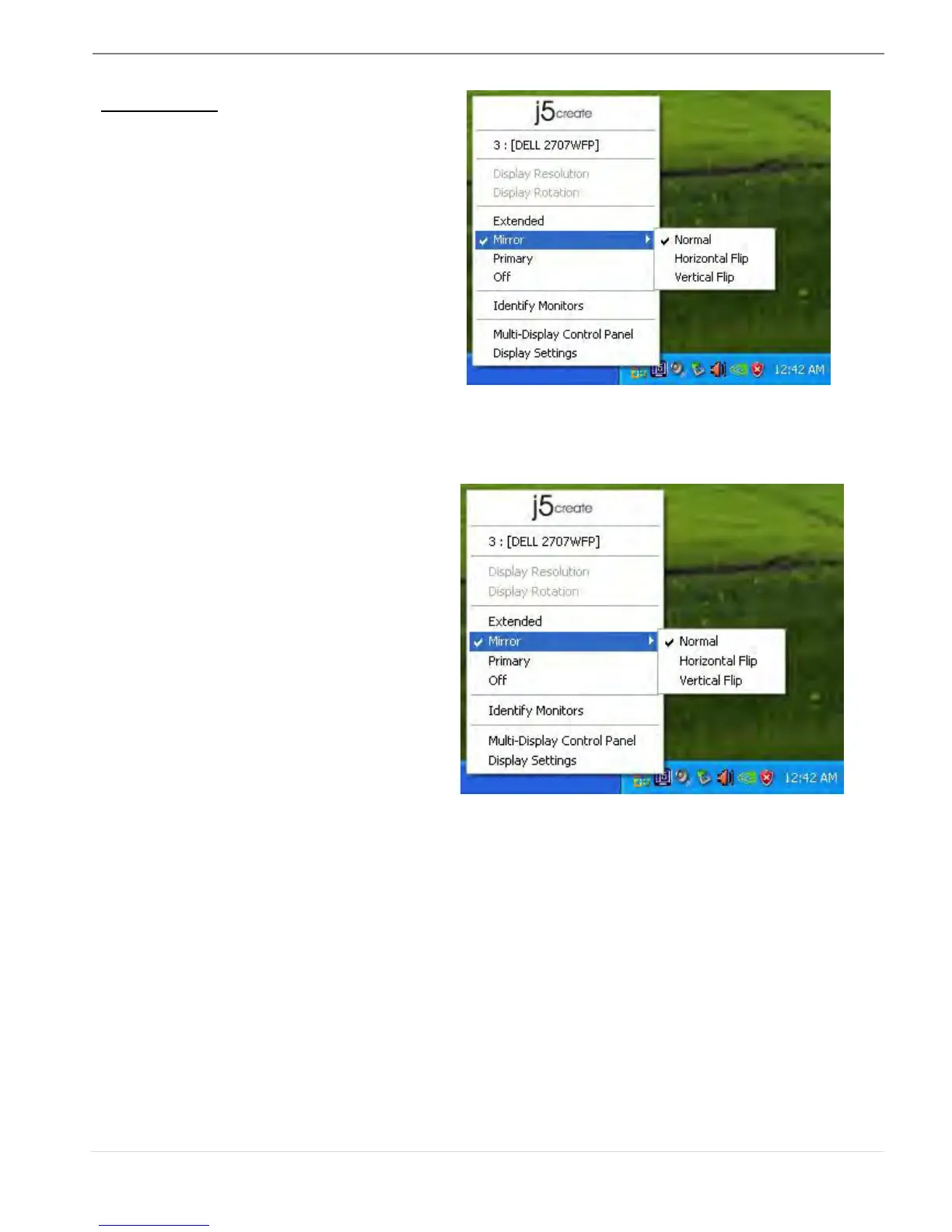
Display Mode
Extended (Default Mode)
A default display mode allows the
attached ULTRA STATION enabled
display device to work as an
“Extended” display of the on-board
screen.
When Mirror is selected, the screen of
the display device will be the same as
the main display, and Display Rotation
will be disabled automatically.
You can select either “Horizontal Flip”,
or “Vertical Flip”.



 To Next Page