ULTRA STATION USER MANUAL
33
Keyboard sharing for iPad
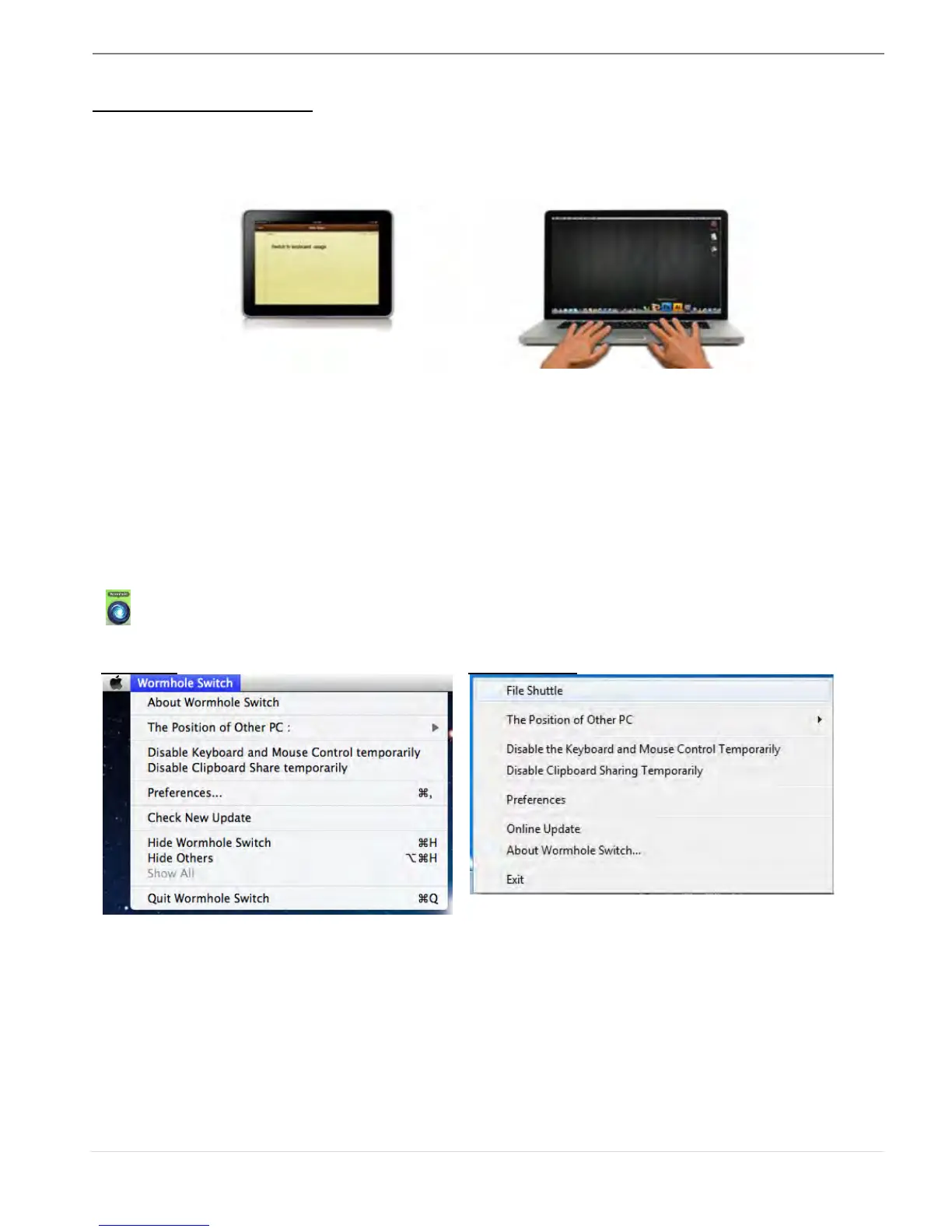
This Wormhole Switch also provides a Keyboard sharing for iPad. You can connect a PC and
an iPad via the Wormhole Switch and switch the PC’s keyboard to work on the iPad.
Due to the lack of a USB port on the iPad, you will need a “USB connection kit” to connect
the Wormhole Switch and other Computer.
Please follow the steps below:
1. Connect USB connection kit to iPad connector
2. Connect Wormhole Switch to a computer and an iPad
3. Press “Alt+S” on computer to switch the usage of Keyboard to iPad
4. You can touch the screen on the iPad to the location you want to start.
5. Now, you are ready to type on the iPad.
SOFTWARE INSTRUCTIONS
To begin set up, please click Wormhole Switch Utility Icon Function
( ) , found in both Mac OS & Windows System.
o File Shuttle is a user-friendly and simple operation with a data transmission software
interface, which combines high speed transmission with nontechnical requirements. File
Shuttle allows you to easily transfer and share data between two computers.
* For detailed function features, please refer to “the File Shuttle Definition”
o About the Wormhole Switch:
Information about the j5 create Wormhole Switch can be found here.
o The Position of Other PC:
You can quickly set up the position of the other computer by using one of the 4 options



 To Next Page