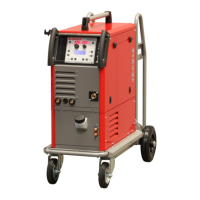
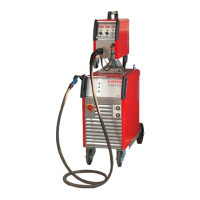
conMIG 400/445/545
Operating manual Page 36
28. Control unit MC 4
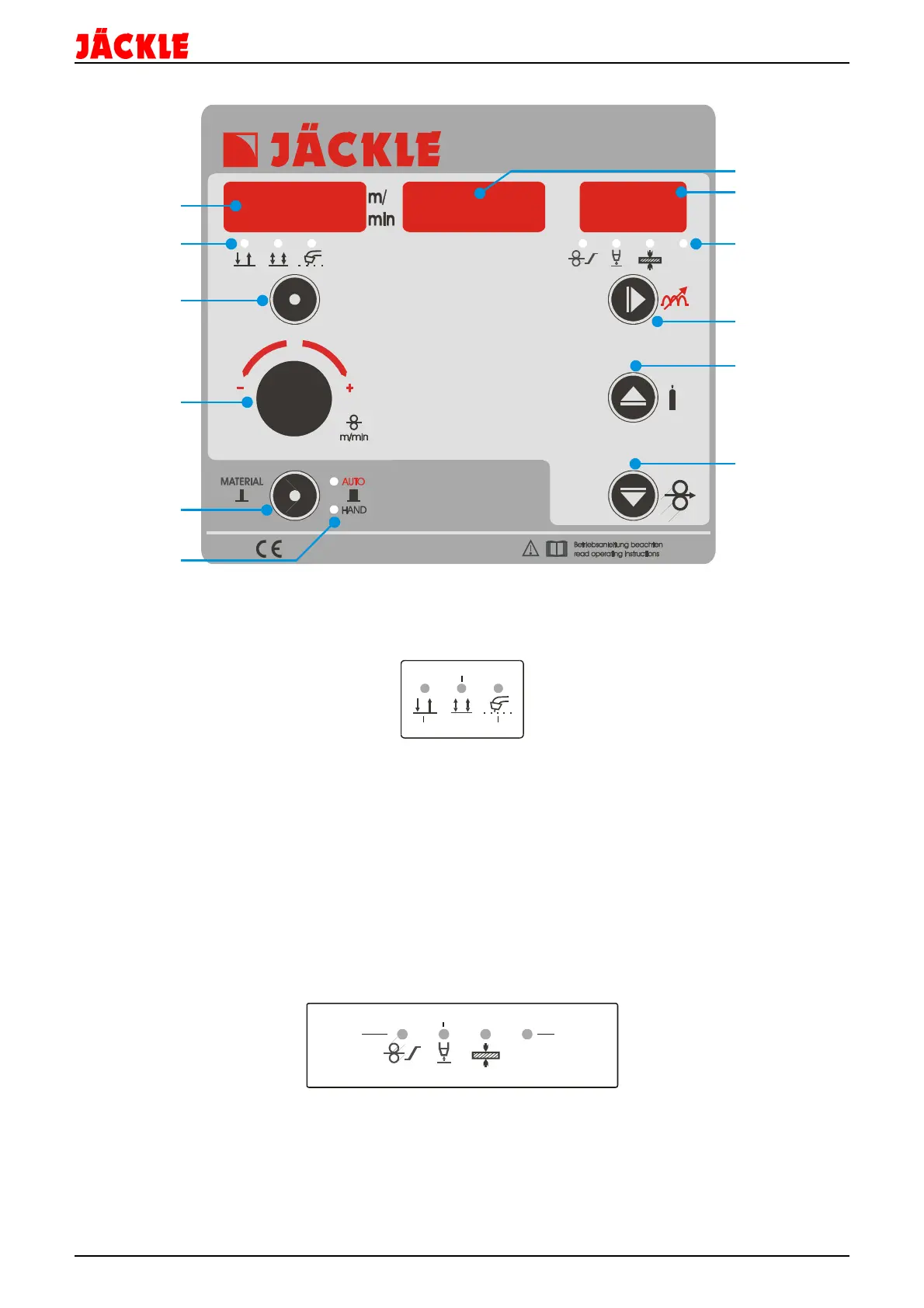
1 – Display for wire speed (m/min) or wire speed correction from -50% to +50% flashing dot: HOLD Function
active
2 – LED display if 2-cycle, 4-cycle or 2-cycle - spot is active
3 – Control key to change between 2-cycle, 4-cycle or 2-cycle – spot by tipping on the key
4 – Turning knob to change the value in the left display, e.g. material, wire speed…
5 – Control key to open the material selection (tipping shorter then 0,5 seconds) or to change between
automatic
or manual mode (tipping longer then 1 second)
6 – LED display, if automatic or manual mode is active
7 – Display for the welding voltage in volt, flashing dot: HOLD function active also for the function or option
values, or the preview of the welding step for conMIG machines
8 – Display for the value of the start speed, choke, burn-back-time, the material thickness or the welding current
9 – LED display if the start speed, burn-back-time, the material thickness or the welding current is active
10 – Control key to change between the choke, start speed, the burn-back-time, the material thickness or the
welding current (or if spot is activated the spot time)
11 – Control key to activate the gas test function, or to increase the value of choke, wire-creep-in speed, burn-
back-time or the material thickness, when the LED (9) is flashing
12 – Control key to activate the wire-feed-in function, or to decrease the value choke, of wire-creep-in speed,
burn-back-time or the material thickness, when the LED (9) is flashing
1
2
3
4
5
spot
start
speed
material thickness
welding
current



 To Next Page