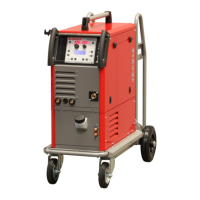
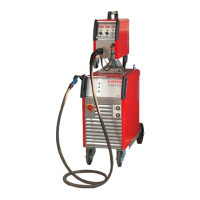
conMIG 400/445/545
Operating manual Page 38
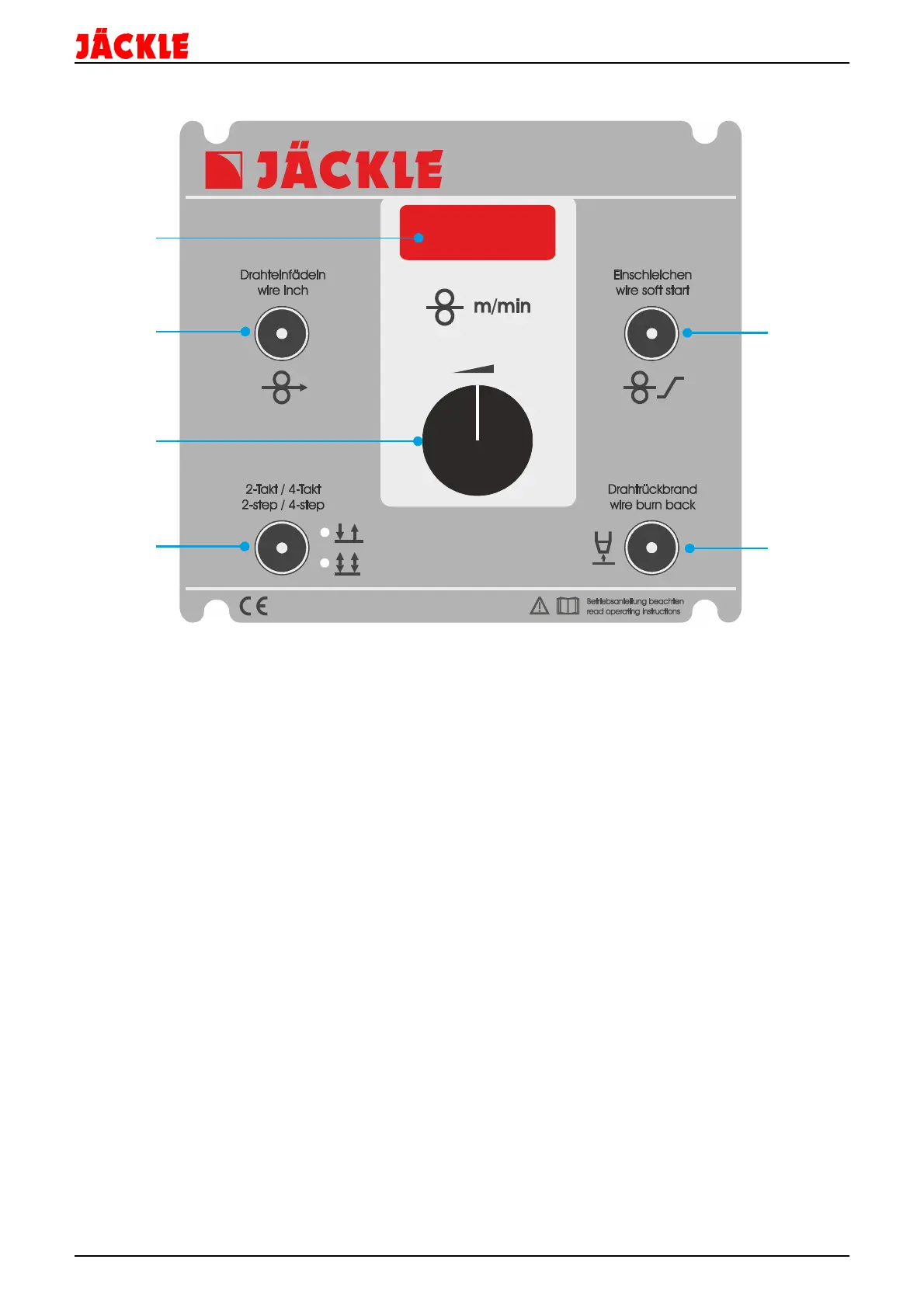
30. Control unit MC 15
1 – Display for the wire speed, wire soft start and wire burn back value
During welding and in hold function (15s) the display shows the welding current.
e.g. 178A
2 – Control key to activate the wire inch function
Press and hold the button down for wire inch.
3 – Turning knob to change the value of the wire speed, wire soft start and wire burn buck time
4 – Control key to change between 2-step and 4-step mode by tipping on the key
The Led shows, which function is activated
5 – Control key to set the wire soft start (wire start speed) value
Tip the key and adjust the value with the rotating knob.
The value can be adjusted between 10 – 100% of the welding speed
6 – Control key to set the wire burn back (wire length after welding) value
Tip the key and adjust the value with the rotating knob.
The value can be adjusted between -10 (long wire) to +10 (short wire)
MC
15
1
2
3
4



 To Next Page