22
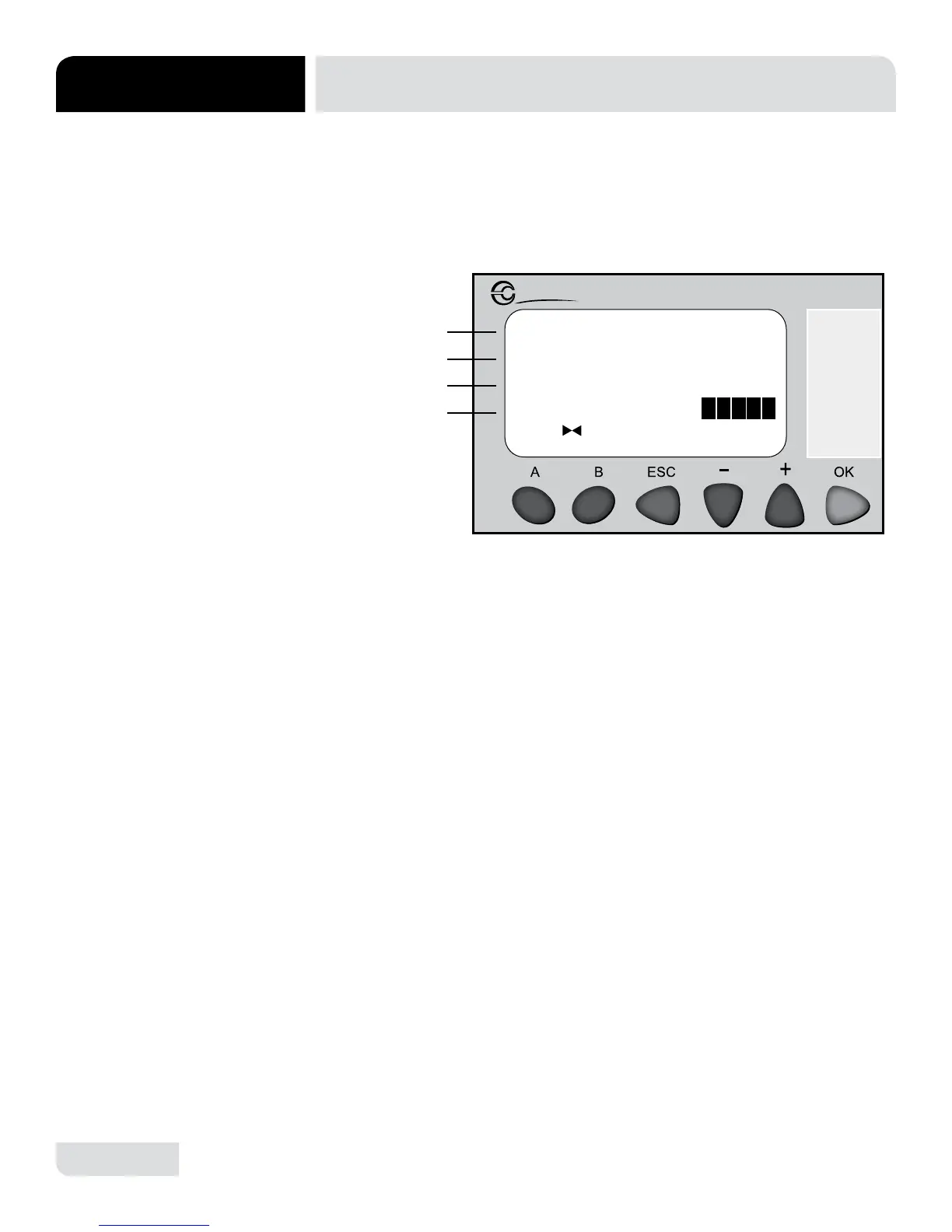
SANISURE SELECT:
0=OOF
1=ON
Millenium 3
Crouzet
1. Line B shows the off option.
• Press + or - to highlight line B.
• Press OK to turn SaniSure off
and reset fault 5.
2. Line C shows the on option.
• Press + or - to highlight line C.
• Press OK to turn SaniSure on.
3. Line D will display the SaniSure status.
A
B
C
D
PLC TROUBLESHOOTING
MAINTENANCE
SCREEN 7:
SANISURE SELECT
The "SaniSure Select" screen allows the user to turn SaniSure on or off. SaniSure
ensures the rinse temperatures are high enough to achieve sanitization.
Not applicable for AVENGER LT-E Models.





 To Next Page