9
OPERATION
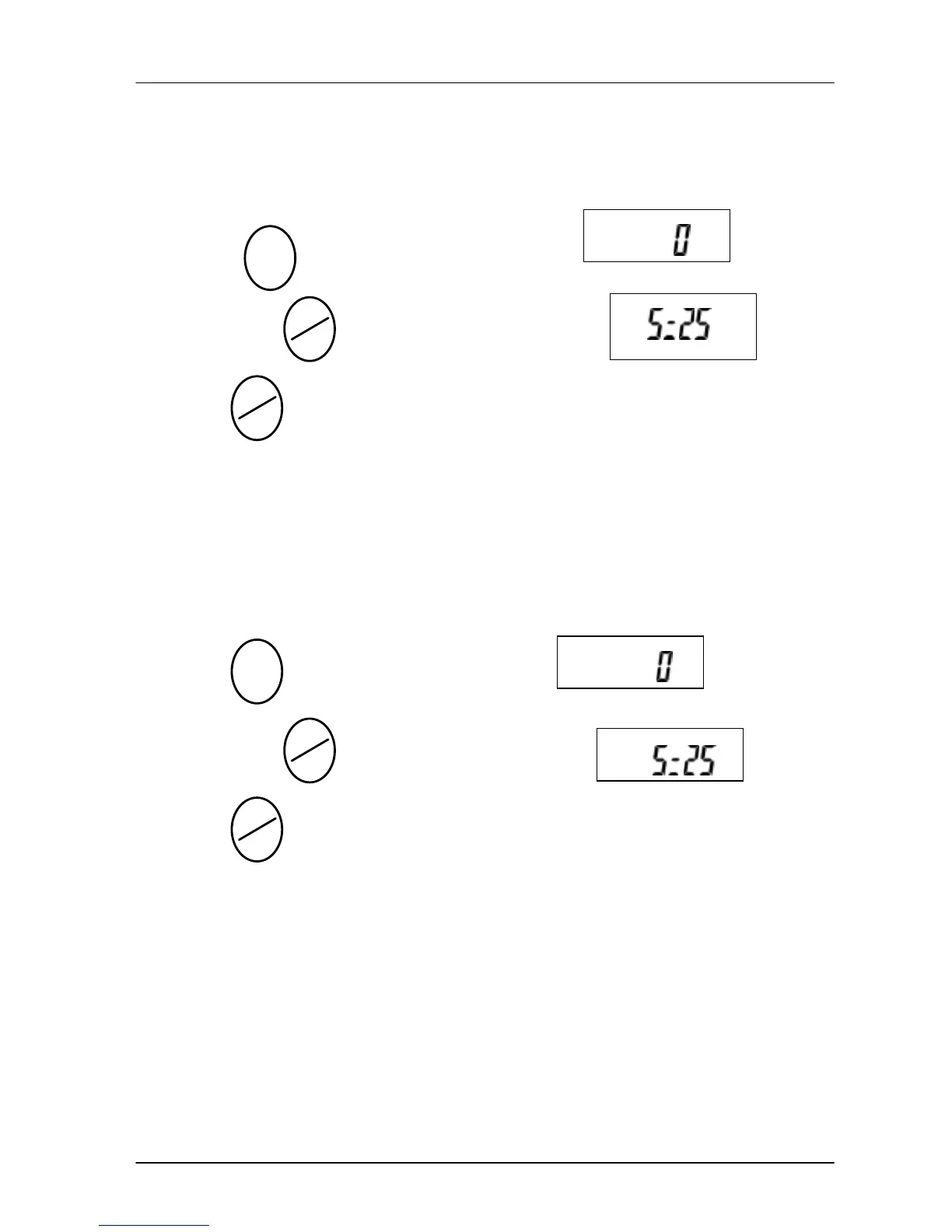
u Counting
Press key until LCD display show
then press key, the LCD display shows
press key select the numbers (25, 50, 100) of sampling,
put the samples on the weighing pan, when beep sounds, it is
ready for operation.
u Sampling by percentage
Press key until LCD display shows ,
then press key, the LCD display shows
press key select the percentage (25, 50, 100) of sampling,
put the samples on the weighing pan, when beep sounds, it is
ready for operation.
PCS
PCS
%
MODE
MC
SET
MC
SET
MODE
MC
SET
MC
SET



 To Next Page