6
MC
SET
FUNCTION SETTING
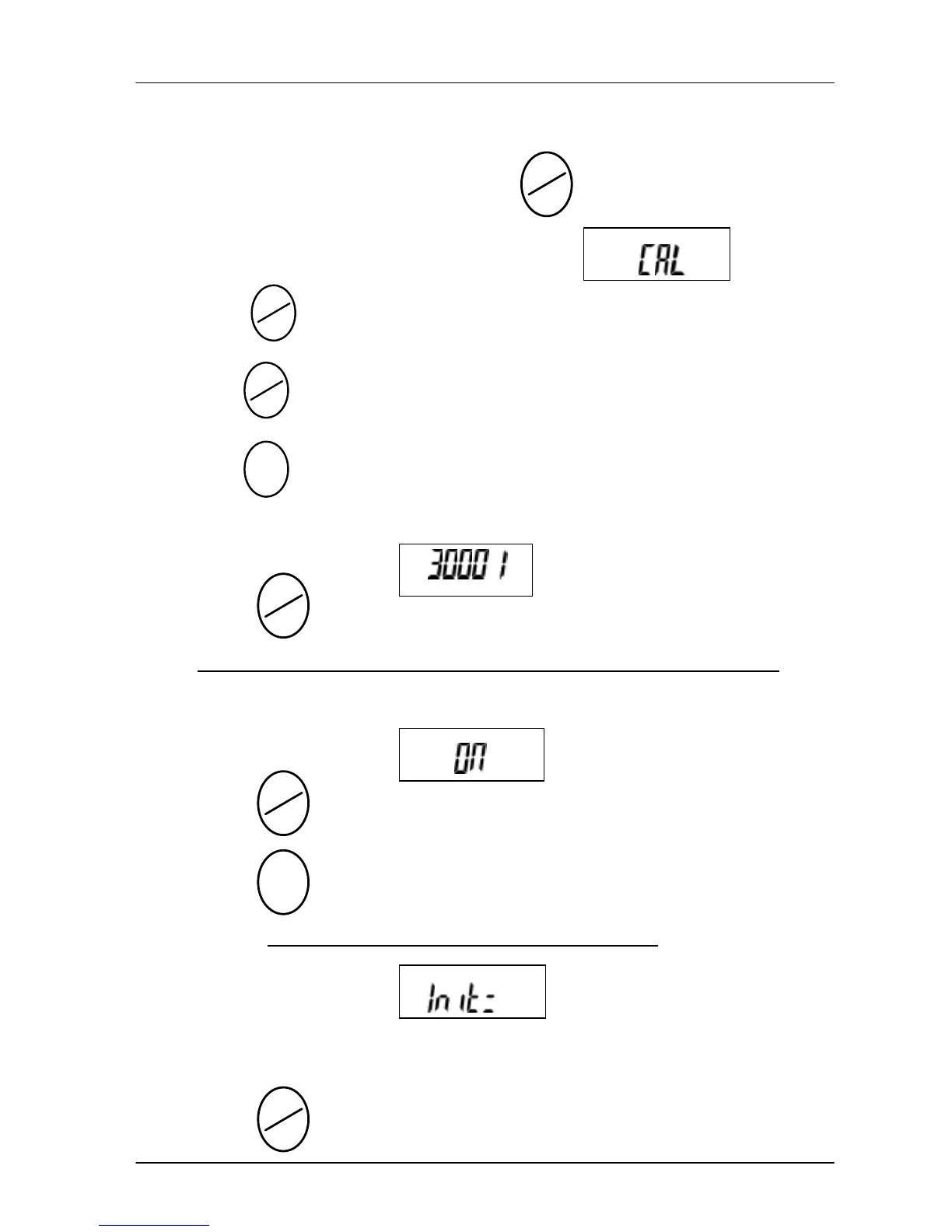
Turn the power on while holding down the key.
The scale will go into function setting mode and appears
on the LCD display.
· Press key to switch the function setting.
· Press key to select the functions.
· Press key to end and save the function setting.
Ø The LCD display shows (example: Model JWE-3K)
– press key to select the weighing capacity and resolution .
The capacity and resolution depend on the model of the scale。
Ø The LCD display shows
– press key to select the applicable weighing unit,
press key to enable (ON) or disable (OFF) the weighing
unit. * At least one of the unit has to be used
。
Ø The LCD display shows
Indicates that “Kg” is the initial weighing unit when power on.
– press key to change the selection.
.



 To Next Page