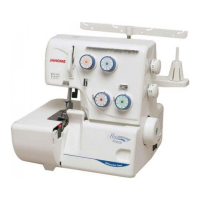
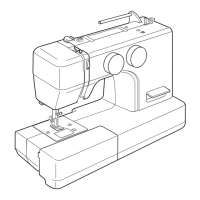
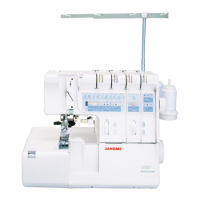
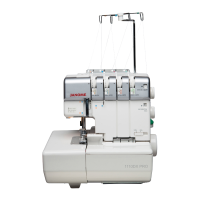
FRONT PANEL UNIT
TO REMOVE
1. Remove the face plate, belt cover. Machine base and looper cover unit.
2. Loosen the 2 setscrews (A).
3. Remove the setscrews (B).
4. Loosen the setscrew (C) to remove the front panel unit (D).
TO ATTACH
5. Attach the front panel unit (D) by fastening the screws (A , B and C).
6. Attach the looper cover unit, machine base, belt cover and face plate.
10
www.promelectroavtomat.ru


 To Next Page