Page 29
valve is open; if the indicator is off, it indicates that the gas check function is disabled and
the gas valve is closed.
Note: The gas check function automatically stops after 20s to avoid gas waste.
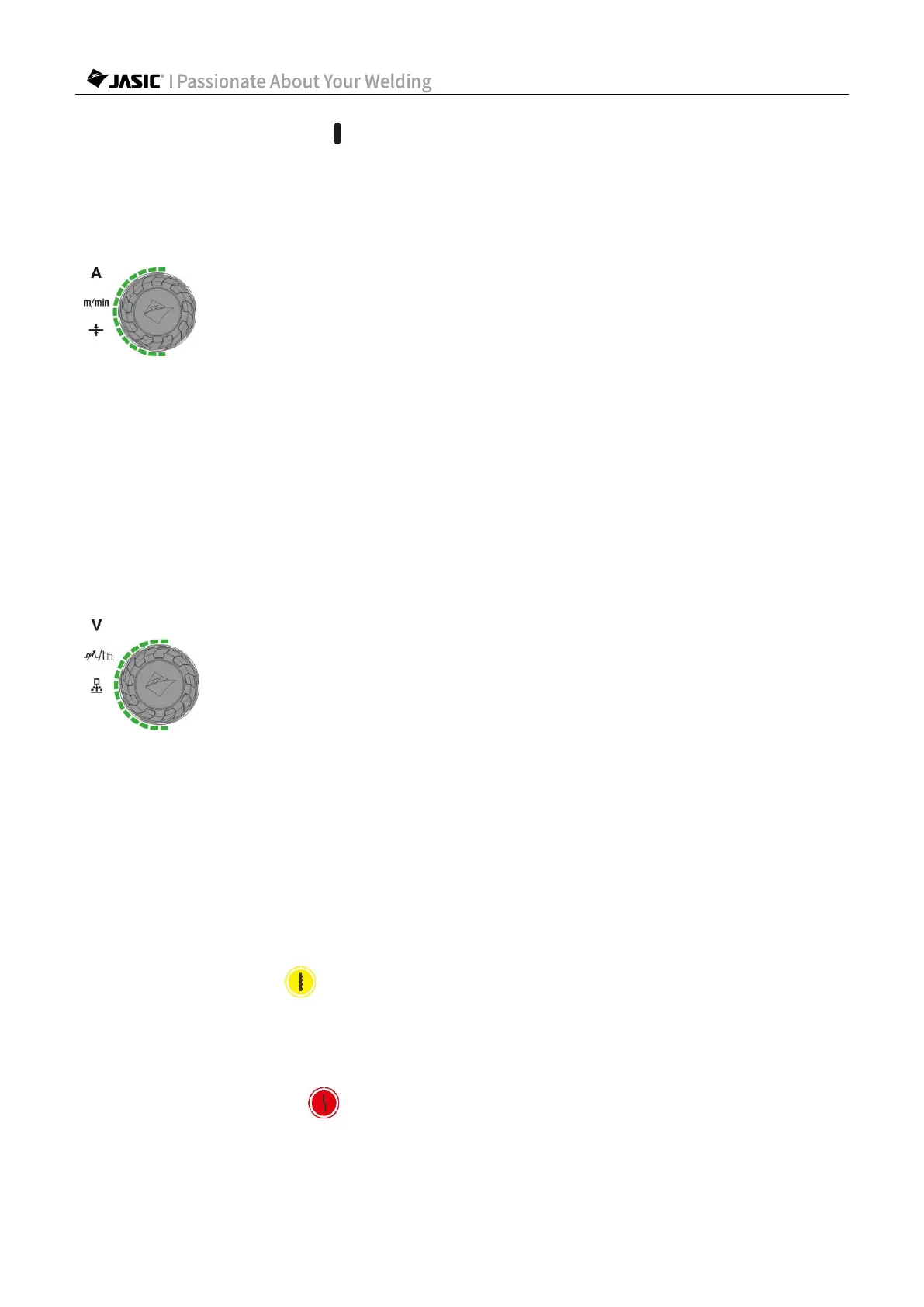
l. Parameter adjustment knob A
1) In MIG mode, if the "Synergic" function is disabled, rotate the knob to set the wire feed
speed; if the function is enabled, rotate the knob to switch display of current, wire feed speed
and plate thickness for configuration.
2) In MMA or Lift TIG mode, rotate the knob to set the current parameter.
3) Rotating the adjusting knob clockwise increases the parameter value, and rotating it
counterclockwise decreases the value.
4) When the adjustment knob is rotated, the adjusted parameter is displayed in the parameter
display area.
m. Parameter adjustment knob B
1) In MIG mode, press the knob to switch the display of voltage, arc length, inductance, and
burn back time, rotate the knob for configuration.
2) In MMA mode, press the knob to switch to arc force and rotate the knob for configuration.
3) Rotating the knob clockwise increases the parameter value, and rotating it
counterclockwise decreases the value.
4) When the adjustment knob is rotated, the adjusted parameter is displayed in the parameter
display area.
n. Protection/alarm indicators
If the overheat indicator is on, it indicates that the main circuit temperature of the welder
is too high, and the welder has automatically entered overheat protection and stopped output.
Do not turn off the machine. Wait for a while, and then continue welding after the
overheat indicator turns off.
If the overcurrent indicator is on, it indicates that the main circuit device of the welder is
abnormal, and the welder has entered overcurrent protection and stopped output.
Please turn off and restart the machine. If this phenomenon persists, please contact



 To Next Page