Page 30
professional maintenance personnel of the company.
o. VRD function indicator
1) The VRD function only works in MMA mode. When the VRD function is not enabled, the
VRD indicator is off.
2) When the VRD function is enabled and no welding is performed, the VRD indicator
displays green , indicating that the VRD function is normal.
3) When the VRD function is enabled and no welding is performed, the VRD indicator light
displays red , indicating that the VRD function is abnormal.
4) When the VRD function is enabled, the VRD indicator is not on during welding.
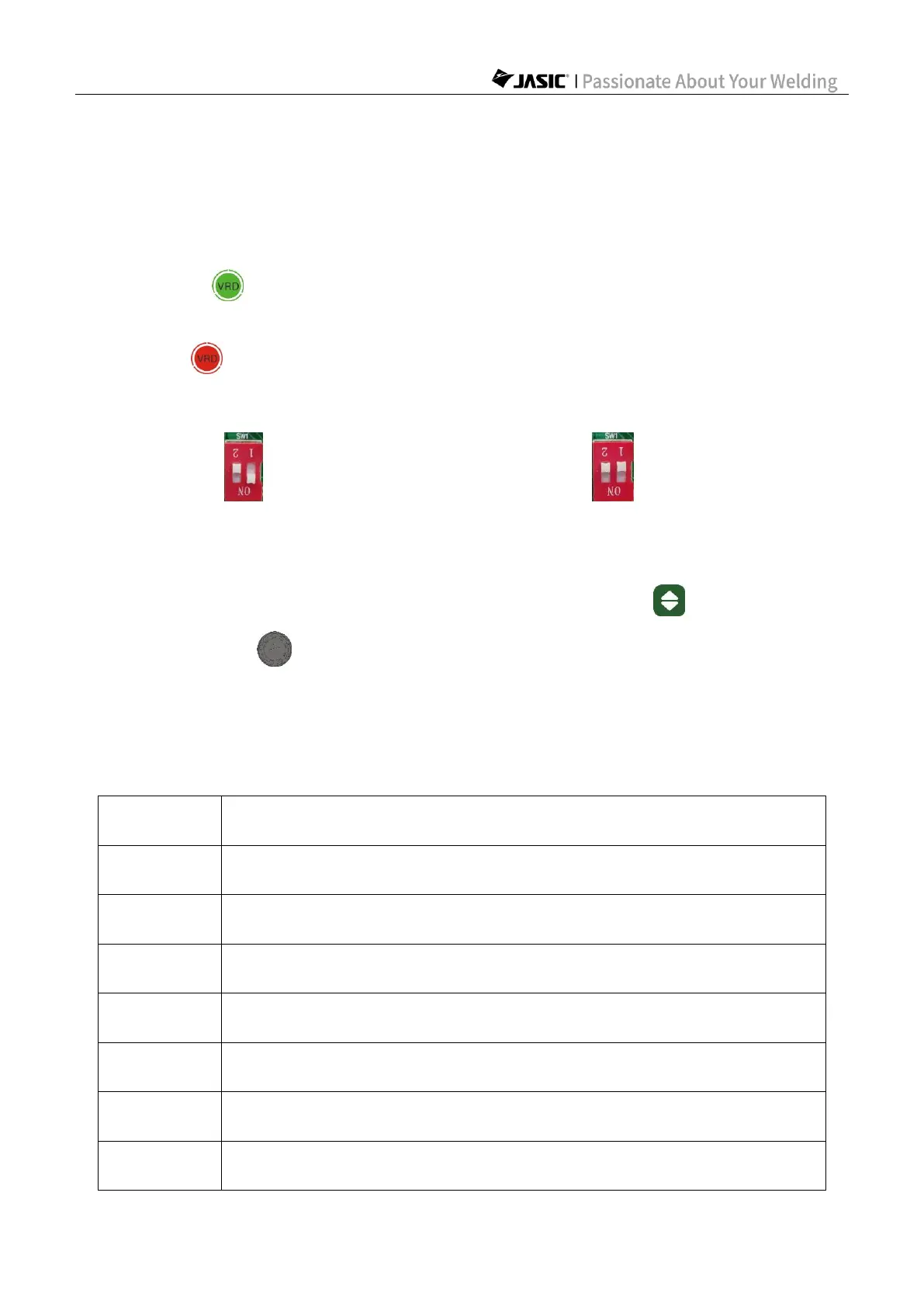
Note: The VRD switch is the "SW1-1" on the main control panel (PK-476) inside the
machine, "ON" indicating VRD enabled, and "OFF" indicating VRD
disabled.
6.1.2 Barcode display
1) Before welding, press and hold the "Welding Mode Selection" key and "Parameter
Adjustment Knob A" for 3s at the same time, and the machine barcode will be
displayed.
2) Press any key or wait for 20s to exit the barcode display.
3) The barcode is displayed in nine groups of data in the "Parameter display a" area,
including "1.XY", "2.XY"...... to "9.XY", where X and Y are figures from 0-9. Refer to the
following table for details:
XY represents the 3rd digit/letter of the digital barcode, and XY is from
11-45, corresponding to the barcode D-Z and representing the year
XY represents the 4th digit/letter of the digital barcode, and XY is from
01-12, corresponding to the barcode 0-C and representing the month
XY represents the 5th digit/letter of the digital barcode, and XY is from
01-31, corresponding to the barcode 0-V and representing the date



 To Next Page