7 - 10
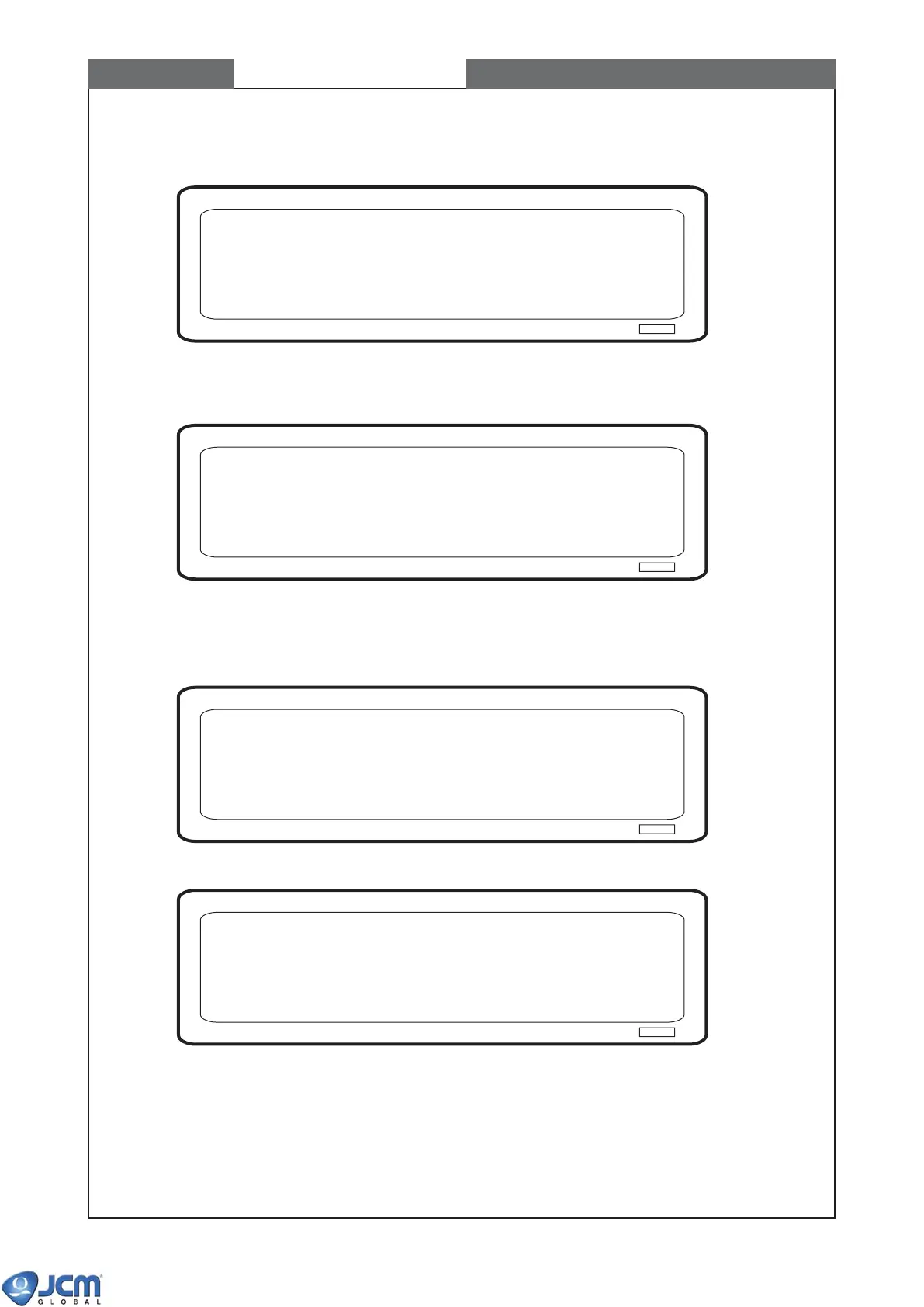
(6) When the following screen appears, the Magnetic Sensor calibration starts.
Fig-21
(7) When the calibration is complete, remove the mag-head test board. Press [Enter].
Fig-22
2-4 Checking the motor speed (this process is automatically started).
Fig-23
Fig-24
Calibrating the mag sensor......
Remove the mag board. Press ENTER
Checking the motor speed......
Writing header information......
Reading EEPROM result......
CHAPTER 7 Calibration



 To Next Page