Support : support@jennov.com
- 04 -
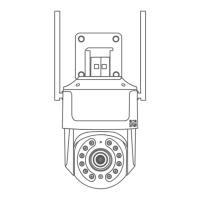
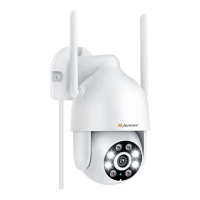
Power the WIFI camera. Connect your router and camera with an Ethernet
cable. (Please make sure that your phone's WIFI and the camera are on the
same internet network).
1. After installing CamHipro, run it and click "Add Camera".
2. Select "IP Camera".
3. Select "Device in use".
Ethernet cable connection method


 To Next Page
 Loading...