8
To Lock/Unlock a device, press the 6/ENTER button.
• DISCONNECT: To disconnect a paired device, press the
6/ENTER button to temporarily remove the BT link. The link
can be re-established through your phone menu by
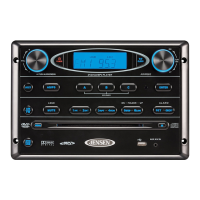
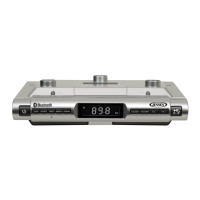
selecting the AWM914 for connection.
• DELETE: To delete a device from the list, press the
6/ENTER button.
5. Press the 6/ENTER button to enter.


 To Next Page
 Loading...