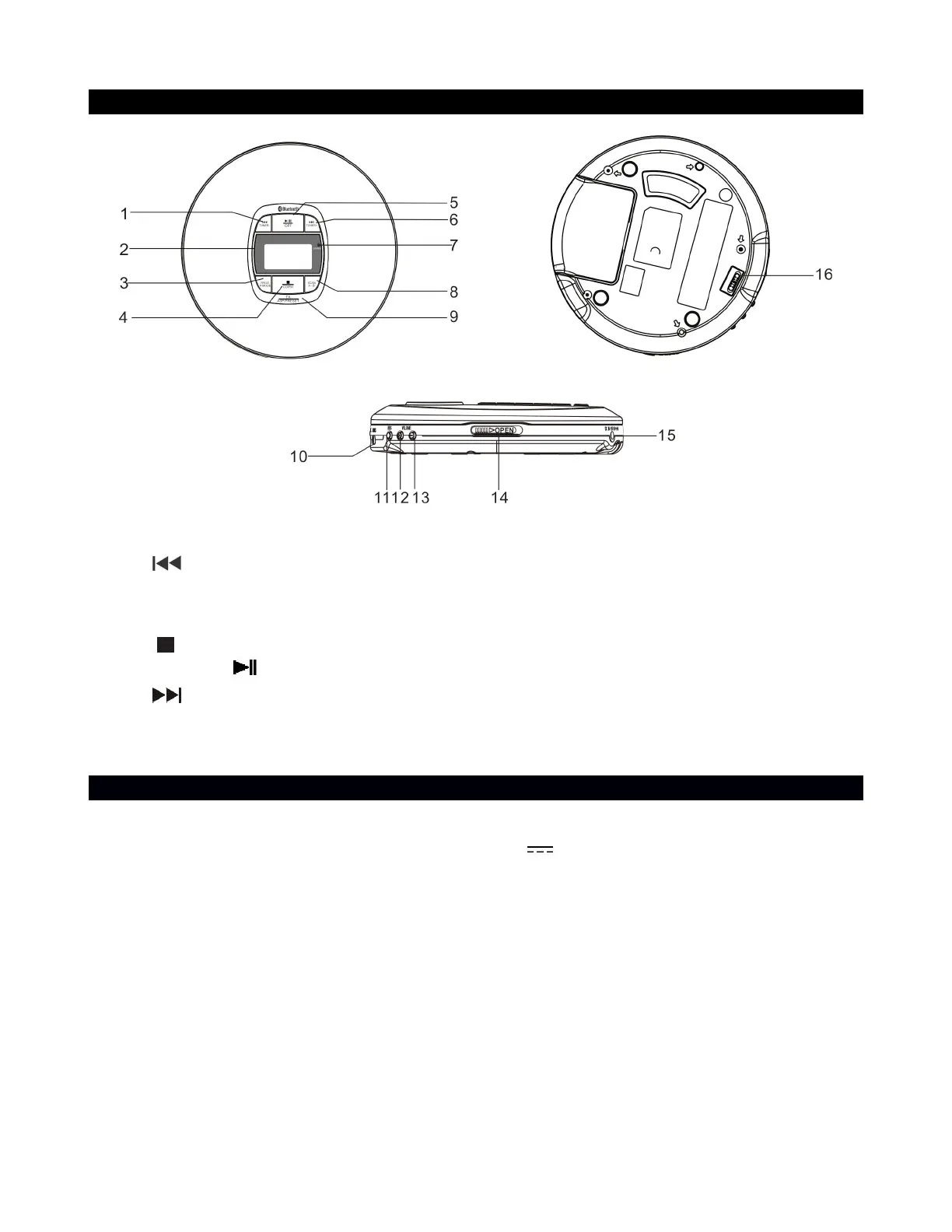
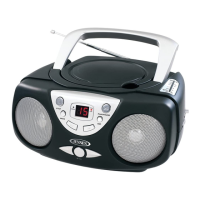
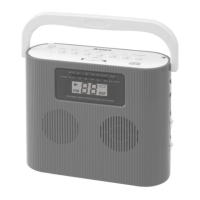
LOCATION OF CONTROLS
PROGRAM / PLAY MODE BUTTON
POWER SOURCE
AC ADAPTER (not included) OPERATION
(AC adapter: input AC 120V ~ 60Hz, output DC 5 V 1000mA)
1. Plug the AC adapter (not included) into normal AC power outlet socket.
2. Insert the DC plug of the AC adapter cord into the DC IN JACK .
WARNING : Before connecting to the power supply, ensure that the supply corresponds to
the information on the rating label at the back of the apparatus.
1. Connect one end of the supplied USB Type-A cable to the DC IN 5V port on the speaker
and the other end to a USB AC adaptor (commercially available), and then connect the USB
AC adaptor to an AC outlet.
The speaker supports USB AC adaptors that are capable of delivering an output current of
1.0 A. Use of any other devices is not guaranteed for battery charging.


 To Next Page