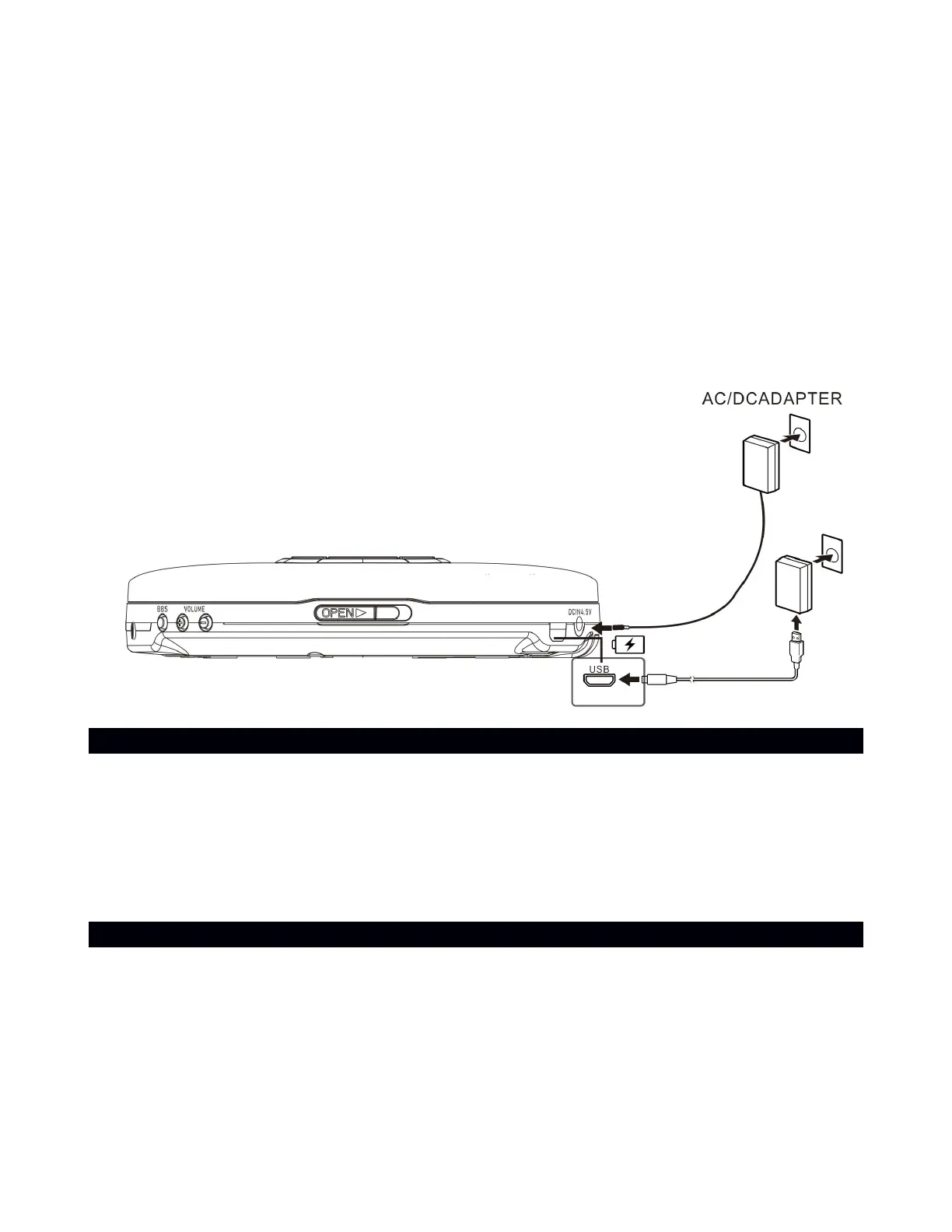
When the recommended USB AC adaptor capable of delivering an output current of 1.0
A is connected ,charging completes in about 4 hours* and the CHARGE indicator turns
off.
When using a commercially available USB AC adaptor, make sure that it is capable of
delivering an output current of 1.0 A or more. You can use a USB AC adaptor with an
output current of 500 mA or more and less than 1.0A as well, but it may take a very long
time (10 hours or more*) before charging completes. When using such a USB AC
adaptor, it is recommended that you turn off power before battery charging. Use of a USB
AC adaptor with an output current of less than 500 mA is not guaranteed for battery
charging
2. Connect the other end of the Micro -USB cable to a power outlet, using a USB power
adapter. You can also charge the battery by connecting to a computer's USB port.
The CHARGE indicator flashes .
EARPHONES CONNECTION
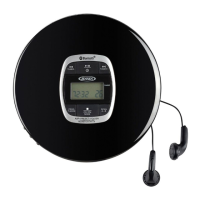
Connect the plug of the stereo earphone (included) into the EARPHONES JACK (#10).
CAUTION
Avoid excessive volume levels for long period of time when using the earphones.
Prolonged use at high levels may impair your hearing.
Do not use earphones while operating a motorized vehicle, as it may create a traffic
hazard and is illegal in many areas.
CD OPERATION
PLEASE READ THIS IMPORTANT INFORMATION:
CD mechanisms used in devices like this are designed to fully read all commercial CDs. They
will also read self-compiled CD-R/CD-RW discs but it may take up to 10 seconds for playback
to start. If playback does not start, it is likely due to the quality of the CD-R/RW disc and/or
the compatibility of the CD compilation software. Manufacturer is not responsible for the
playback quality of CD-R/RW discs.
Do not attach a label or seal to either side of the CD-R/RW disc. It may cause a malfunction.
1. Tap the ON/OFF BUTTON (#5) to turn on the unit.


 To Next Page