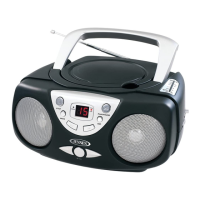
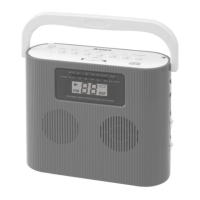
HOLD FUNCTION
To prevent accidental function changes during active use, this unit is fitted with a function
hold. After the unit has been powered on and playing in CD or FM mode, slide the HOLD
SWITCH (#16) to ON position. HOLD INDICATOR will show on the LCD display (#2).
RESETTING THE UNIT
In case of malfunction due to electrostatic discharge, reset the unit by disconnecting the DC
plug of the AC Adapter from its rear DC IN JACK (#15) and remove the batteries. Wait at
least for 3 minutes before reconnecting the DC plug to the DC IN JACK (#15) or insert the
batteries.
CARE AND MAINTENANCE
1. Clean your unit with a damp (never wet) cloth. Solvent or detergent should never be used.
2. Avoid leaving your unit in direct sunlight or in hot, humid or dusty places.
3. Keep your unit away from heating appliances and sources of
electrical noise such as fluorescent lamps or motors.
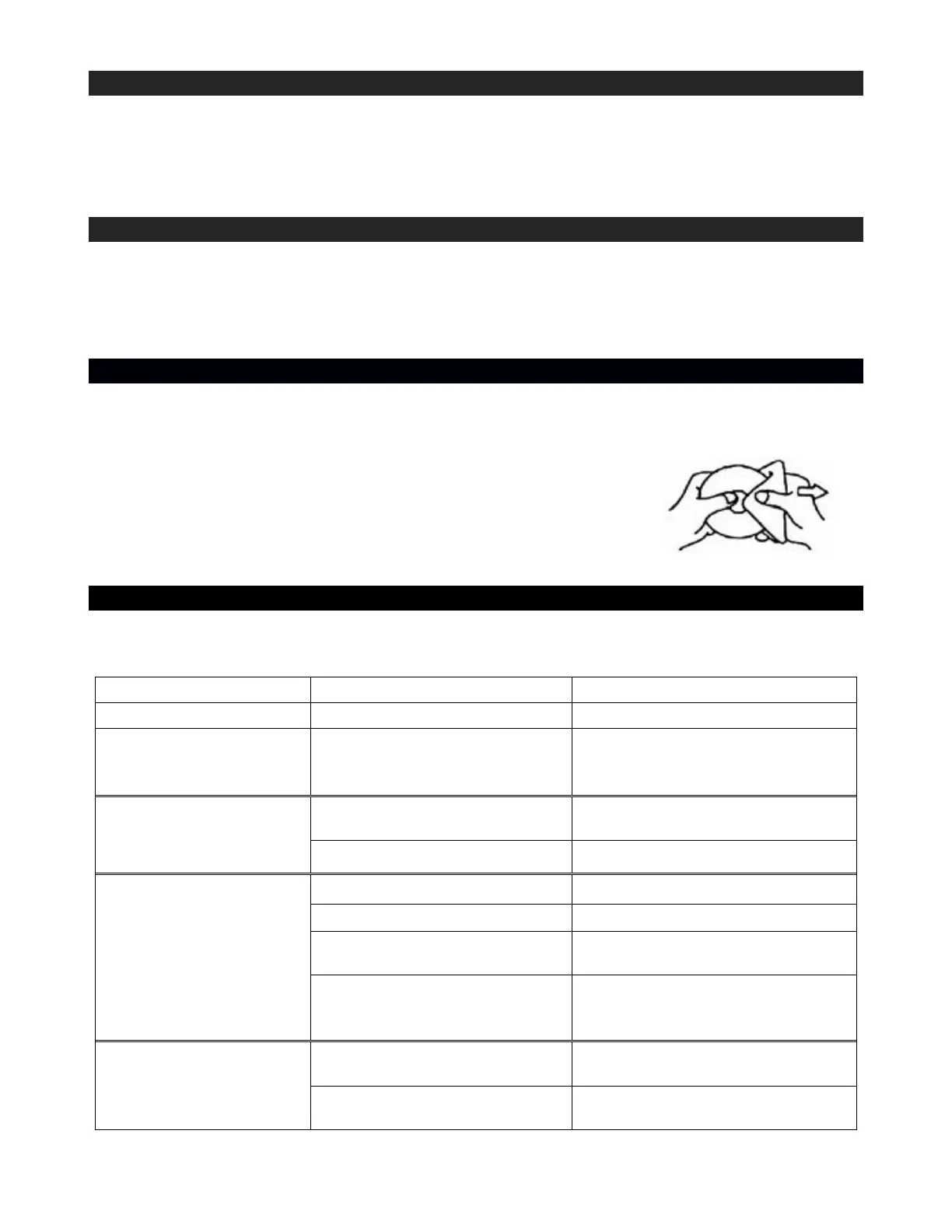
4. If drop-outs or interruptions occur in the music during CD play,
or if the CD fails to play at all, its bottom surface may require
cleaning. Before playing, wipe the disc from the center outwards
with a good soft cleaning cloth.
TROUBLE SHOOTING GUIDE
If you experience difficulties in the use of this clock radio, please check the following or
call 1-800-777-5331 for Customer Service and support
Noise or sound
distorted on FM
broadcast
Earphone cord is not
extended
The unit is not in RADIO
(FM) mode
CD is installed incorrectly
Insert CD with label side up.
Batteries become exhausted
Replace all batteries with new
ones.
It the CD is self-compiled, the
media used may not be
compatible with the player.
Use better quality blank media
and retest.
Disc is dirty or scratched.
Wipe CD with clean cloth or use
another disc.
Clean or replace the defective
disc


 To Next Page