VM9314
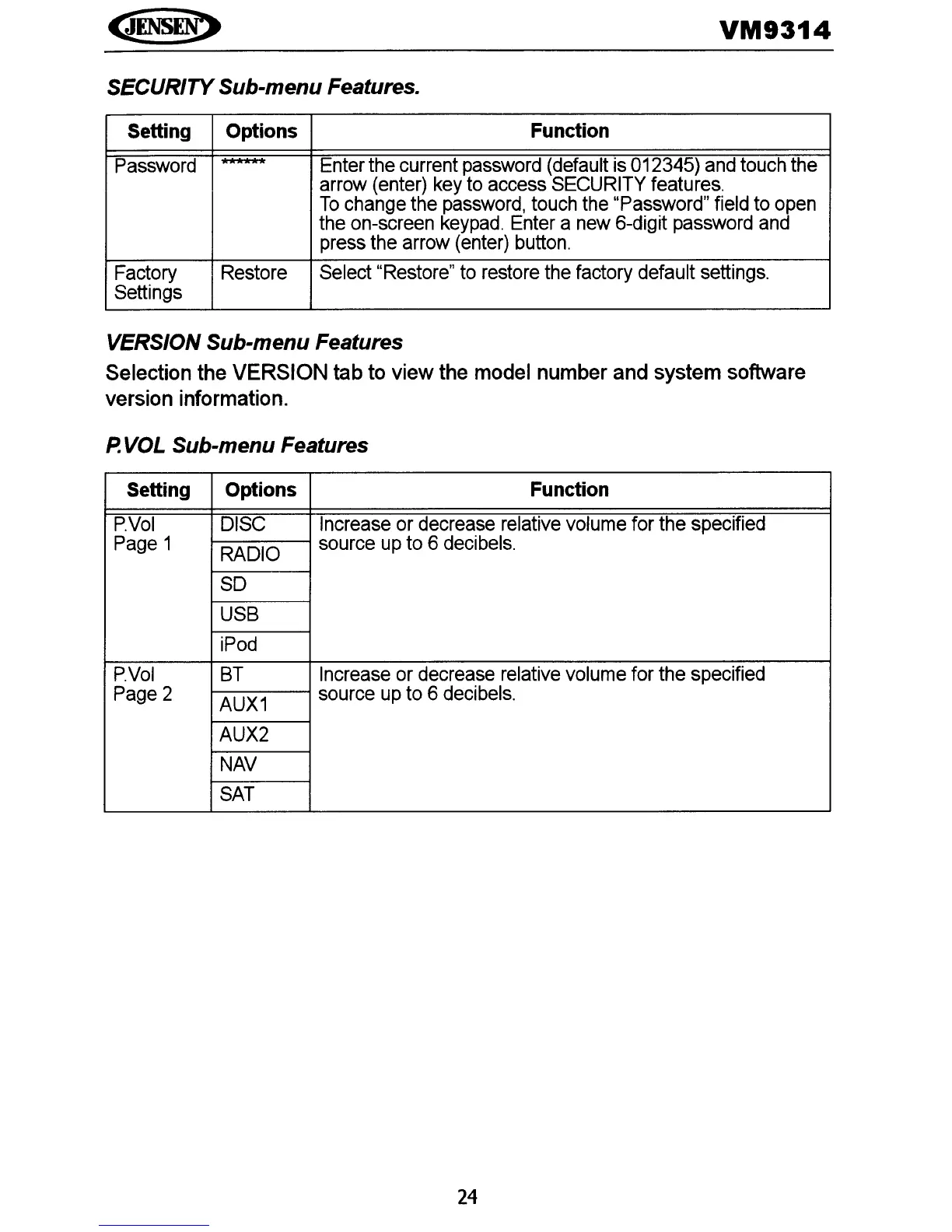
SECURITY Sub-menu Features.
Setting
Options Function
Password
******
Enter the current
password
(default
is
012345)
and
touch the
arrow
(enter)
key
to
access
SECURITY
features.
To
change
the
password,
touch
the
"Password" field
to
open
the on-screen
keypad.
Enter
a
new
6-digit
password
and
press
the arrow
(enter)
button.
Factory Restore
Select
"Restore"
to
restore
the
factory default settings.
Settings
VERSION Sub-menu Features
Selection the VERSION tab to view the model number and system software
version information.
P.
VOL Sub-menu Features
Setting Options Function
PVol
DISC
Increase or decrease relative volume for the specified
Page
1
RADIO
source
up
to 6
decibels.
SO
USB
iPod
P.Vol
8T
Increase
or
decrease relative volume for the specified
Page
2
AUX1
source
up
to
6
decibels.
AUX2
NAV
SAT
24















 To Next Page