VM9314
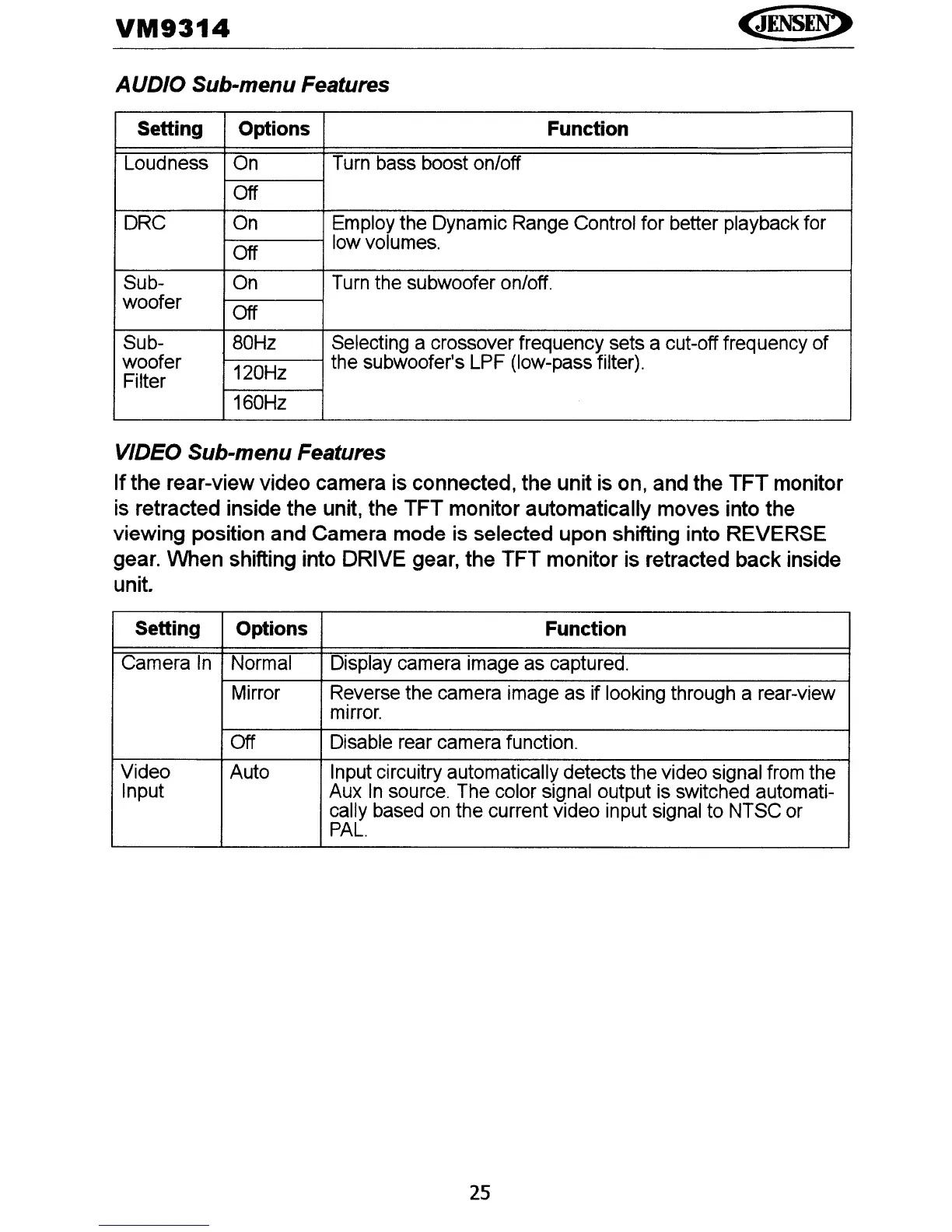
AUDIO Sub-menu Features
Setting Options Function
Loudness
On
Turn bass boost onloff
Off
DRC On Employ the Dynamic Range Control for better playback for
Off
low volumes.
Sub- On Turn the subwoofer
on/off.
woofer
Off
Sub-
80Hz
Selecting a crossover frequency sets a cut-off frequency of
woofer
120Hz
the subwoofer's LPF (low-pass filter).
Filter
160Hz
VIDEO Sub-menu Features
Ifthe rear-view video camera is connected, the unit is on, and the TFT monitor
is retracted inside the unit, the TFT monitor automatically moves into the
viewing position and Camera mode is selected upon shifting into REVERSE
gear. When shifting into DRIVE gear, the TFT monitor is retracted back inside
unit.
Setting
Options
Function
Camera
In
Normal Display camera image as captured.
Mirror
RE?verse
the camera image as if looking through a rear-view
mirror.
Off Disable rear camera function.
Video
Auto Input circuitry automatically detects the video signal from the
Input
Aux
In
source. The color signal output is switched automati-
cally based on the current video input signal to NTSC or
PAL.
25















 To Next Page