VM9314
BT
(Bluetooth) Sub-menu Features
setting
Options
Function
Bluetooth
On
Enable
Bluetooth
function.
Off
Disable
Bluetooth
function.
Auto
On
The
unit
automatically answers
all
incoming
calls.
Answer
Off
Manually
answer
calls
by
touching
the
~
button.
Auto
Con-
an
Automatically
connect
when
your
paired
phone
is
in
range.
nect
Off
Connect
the
last
active
mobile
phone
by
touching
the
~~
icon
when
disconnected.
Pairing
****
The
default
code
is
"1234".
Touch
the
keypad
icon
to
open
Code
the
keypad
and
enter
the
pairing
code
or
pass
key
required
for
Bluetooth
connection
to
your
mobile
phone.
Not
all
phones/deVices
require
a
pairing
code.
The
default
code
is
"0000"
for
many
models.
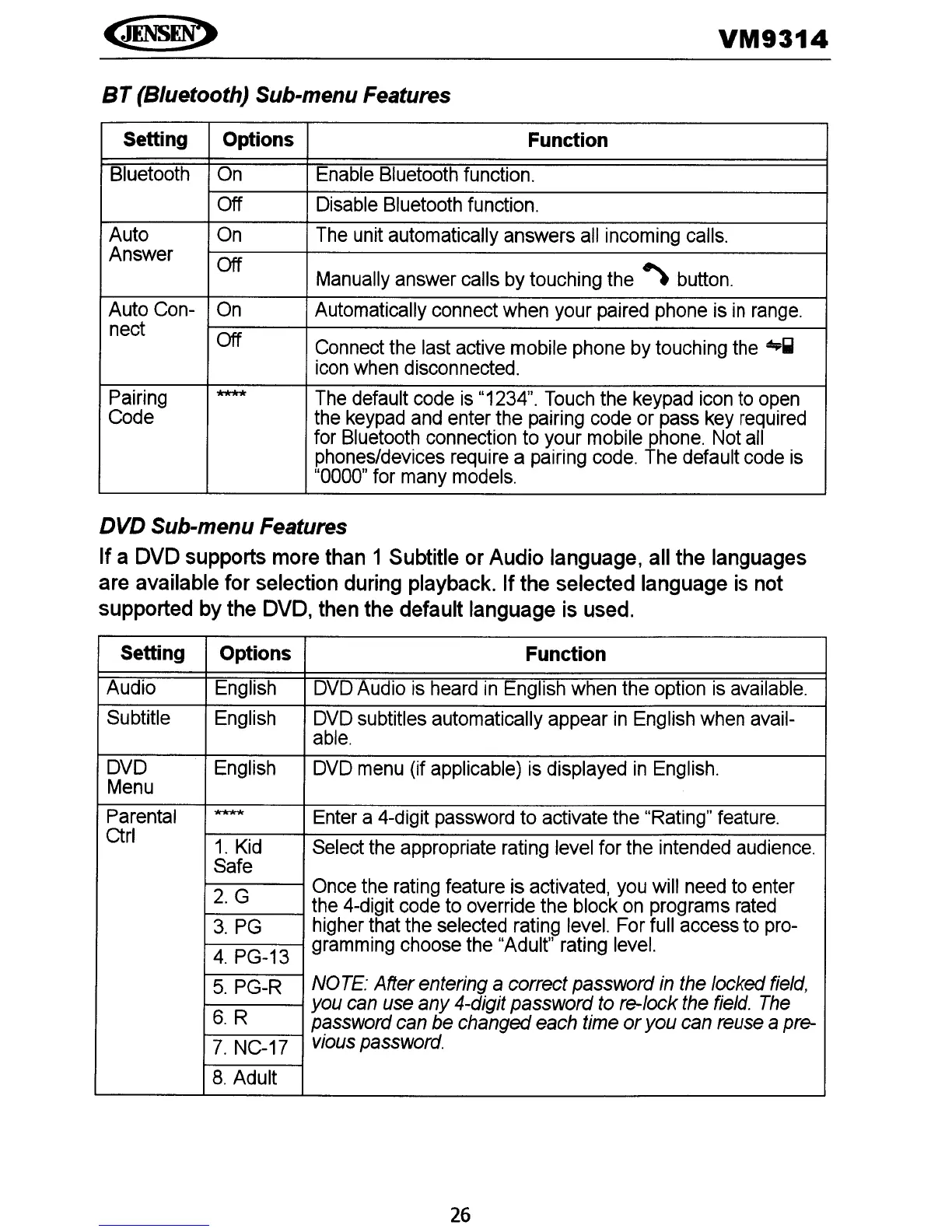
DVD Sub-menu Features
If
a OVO supports more than 1 Subtitle or Audio language, all the languages
are available for selection during playback.
If
the selected language is not
supported by the
OVO,
then the default language is used.
Setting
Options
Function
Audio
English
DVD
Audio
is
heard
in
English
when
the
option
is
available.
Subtitle
English
DVD
subtitles automatically appear
in
English
when
avail-
able.
DVD
English
DVD
menu
(if applicable)
is
displayed
in
English.
Menu
Parental
****
Enter
a 4-digit
password
to activate
the
"Rating"
feature.
Ctrl
1.
Kid
Select
the
appropriate
rating
level
for the
intended
audience.
Safe
2.
G
Once
the
rating
feature is
activated,
you
will
need
to
enter
the
4-digit
code
to
override
the
block
on
programs
rated
3.
PG
higher
that
the
selected
rating
level.
For
full
access
to
pro-
4.
PG-13
gramming
choose
the
"Adult"
rating
level.
5.
PG-R
NO
TE:
After entering a correct password
in
the
locked
field,
you
can
use
any 4-digit password
to
re-Iock
the
field.
The
6.
R
password
can
be
changed
each
time
oryou
can
reuse
a
pre-
7.
NC-17
v;ous
password.
8.
Adult
26















 To Next Page