VM9314
Direct
Track
Entry
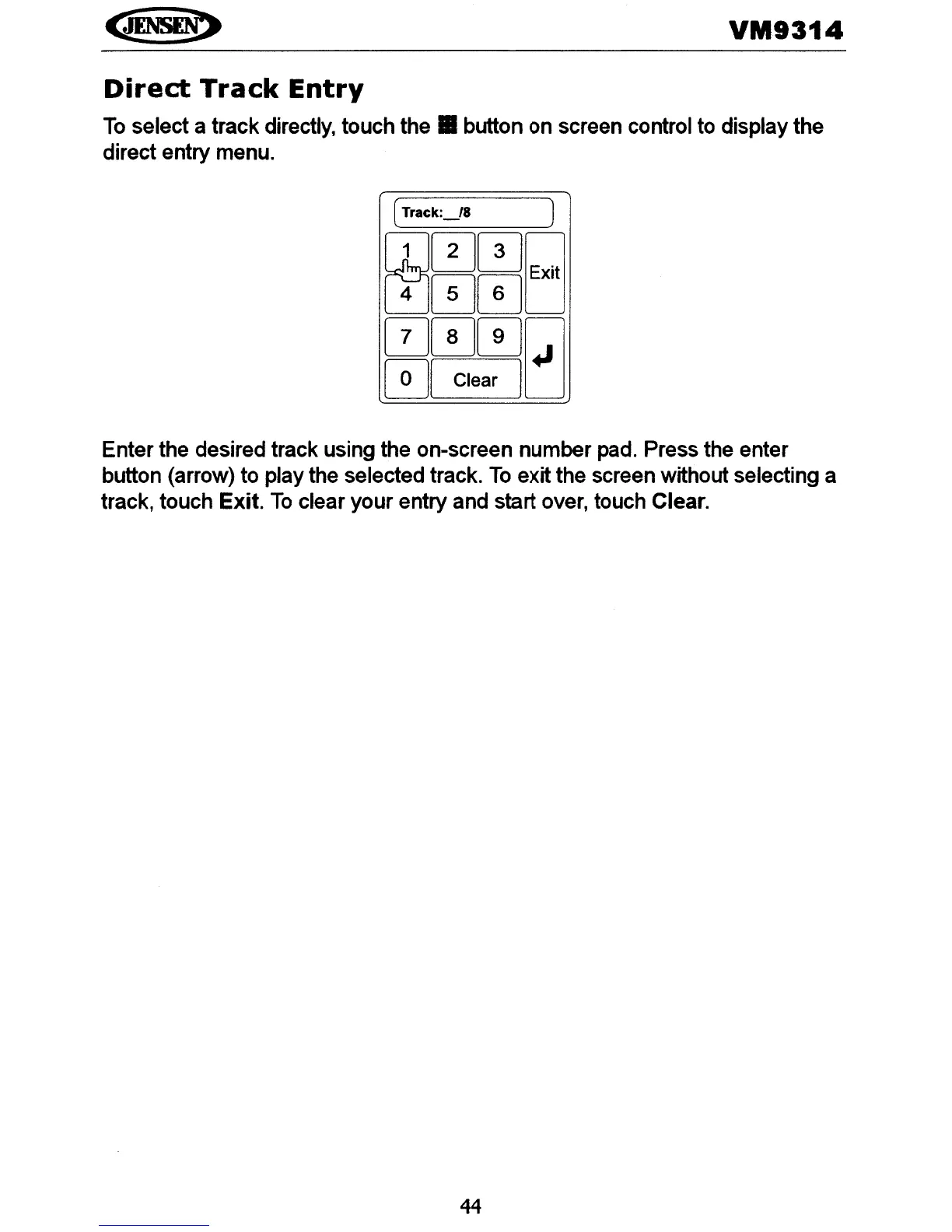
To
select a track directly, touch
the.
button on screen control to display the
direct entry menu.
(
Track:_/8
J
CD00Q
8J00D
000Q
0[
Clear
]LJ
Enter the desired track using the on-screen number pad. Press the enter
button (arrow) to play the selected track.
To
exit the screen without selecting a
track, touch Exit.
To
clear your entry and start over, touch Clear.
44















 To Next Page