17
VM9414
SETUP MENU
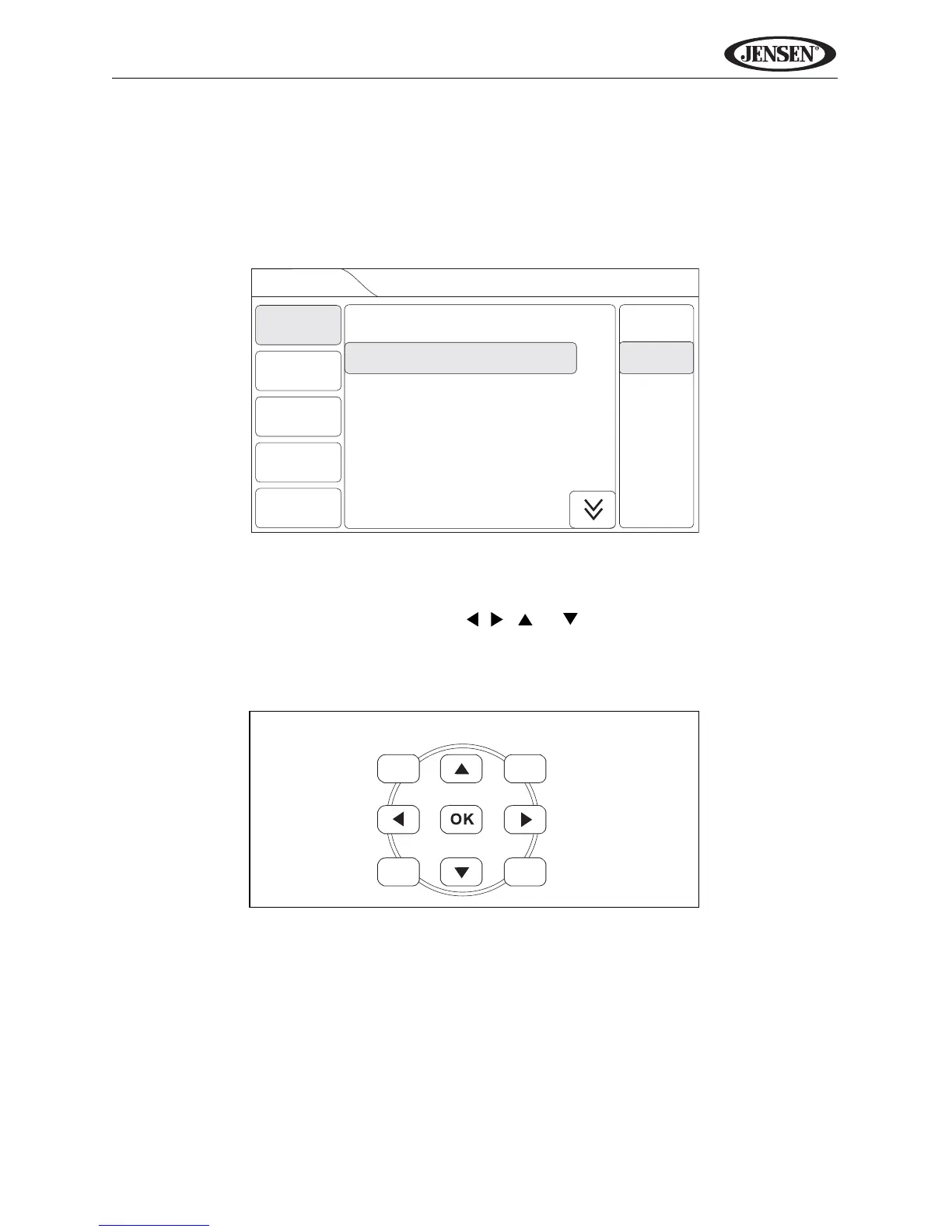
To access system settings, press the MENU button (1) on the remote control
or touch the top left corner of the screen where the current source is indicated,
and then touch the on-screen SETUP button. The “Setup” menu appears, with
the current sub-menu highlighted in yellow.
Accessing Menu Items
Touch the sub-menu name, press the , , or direction buttons (28, 29,
26, 27) on the remote control to select a sub-menu (Language, Audio, RDS,
etc.).
The features available for adjustment under the highlighted sub-menu option
will appear in the center of the screen.



 To Next Page