27
VM9414
Accessing DVD Mode
To switch to DVD mode when a disc is already inserted, press the SRC button
(10) on the front panel or remote control (8).
NOTE: See “Controls and Indicators” on page 5 for the location of
control panel buttons.
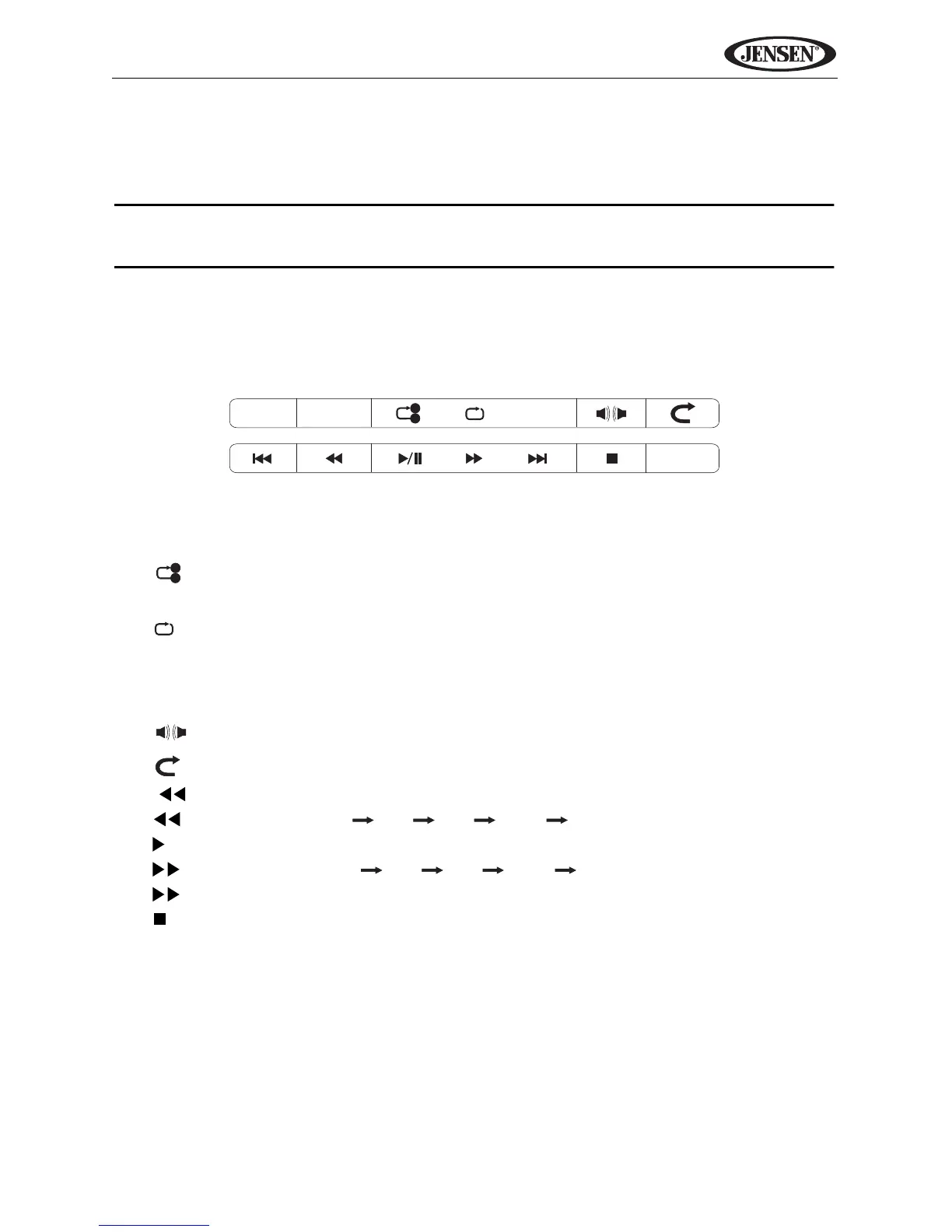
DVD Playback On-Screen Controls
To access the on-screen controls, touch the screen while a DVD is playing.
The following on-screen controls appear at the top and bottom of the screen:
• INFO: View on-screen playback information
• CHAP: Access direct entry screen
• : (x1) Repeat section start point A, (x2) repeat section end point B, (x3)
stop repeat section
• : Repeat
• DVD: (x1) Repeat Chapter, (x2) Repeat Title, (x3) Repeat Off
• VCD with PBC off: (x1) Repeat Single (x2) Repeat All (x3) Repeat Off
• SUB.T: Select subtitle language (if available)
• : Select audio language (if available)
• : Exit DVD mode and view Source menu
• | : Play previous chapter
• : Fast reverse (x2 x4 x8 x16 Play)
• /||: Play/pause
• : Fast Forward (x2 x4 x8 x16 Play)
• |: Play next chapter
•: Stop
• MENU: View DVD menu



 To Next Page