86
VM9414
Following a Trail
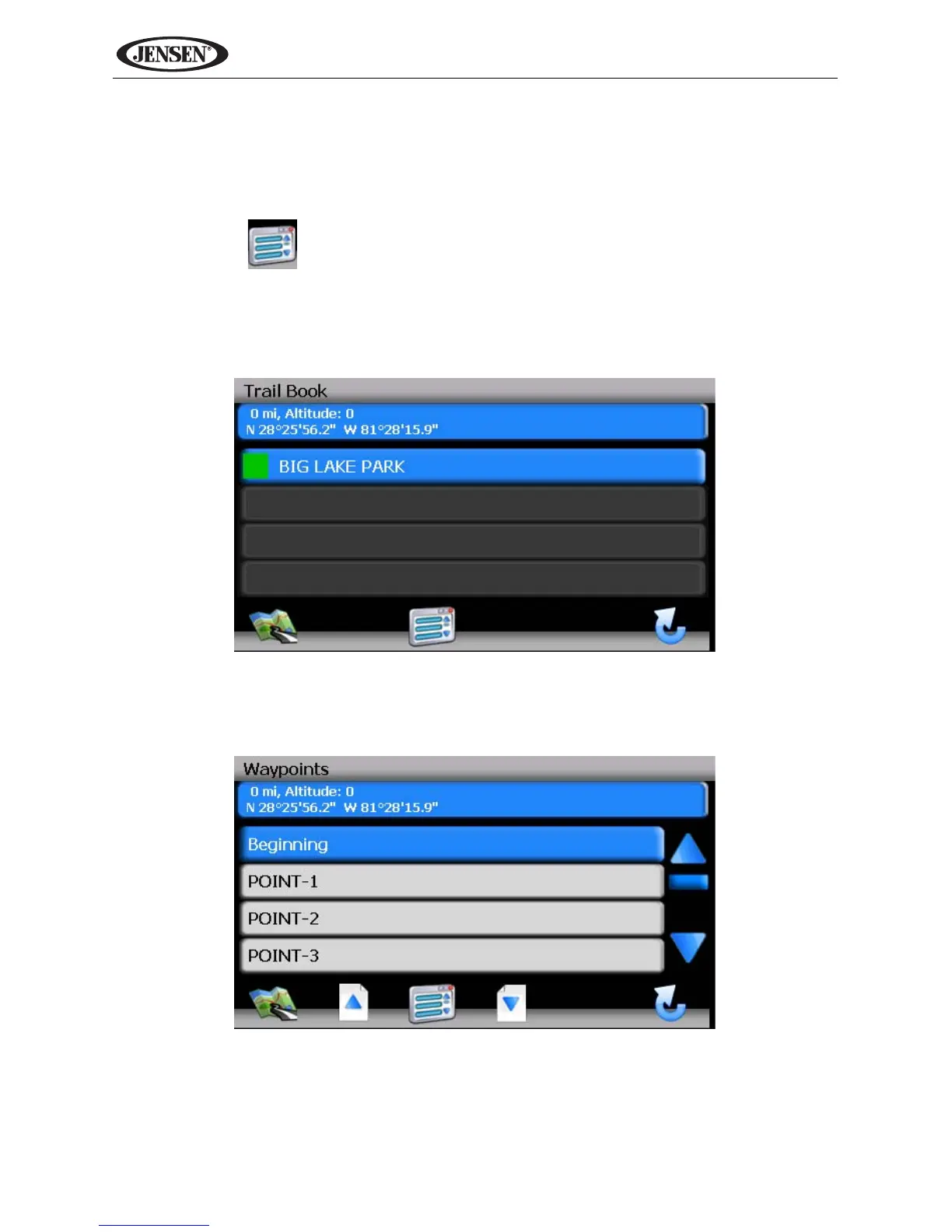
The Trail Book feature allows you to create a path using map points when
navigation data is not available. To navigate to a saved Trail, perform the
following steps:
1. Press the button to view the “Main Menu” (if not already doing so).
2. Press Go To...
3. Press Favorites.
4. Press Trail Book to view a list of existing trails.
5. Press the Trail you would like to follow and a list of trail points will be
displayed.
6. You can press to choose any Trail point as the stating point. Once a point
is selected, the system will display a red dotted line from your current
location to the starting point.



 To Next Page