68
VM9414
Using the Keyboard
Keyboard Command Buttons
Look Ahead Feature
Your NavMate software offers a convenient interactive look-ahead search
function to prevent misspelling. Only keys that lead to a search result can be
pressed – all others are greyed out.
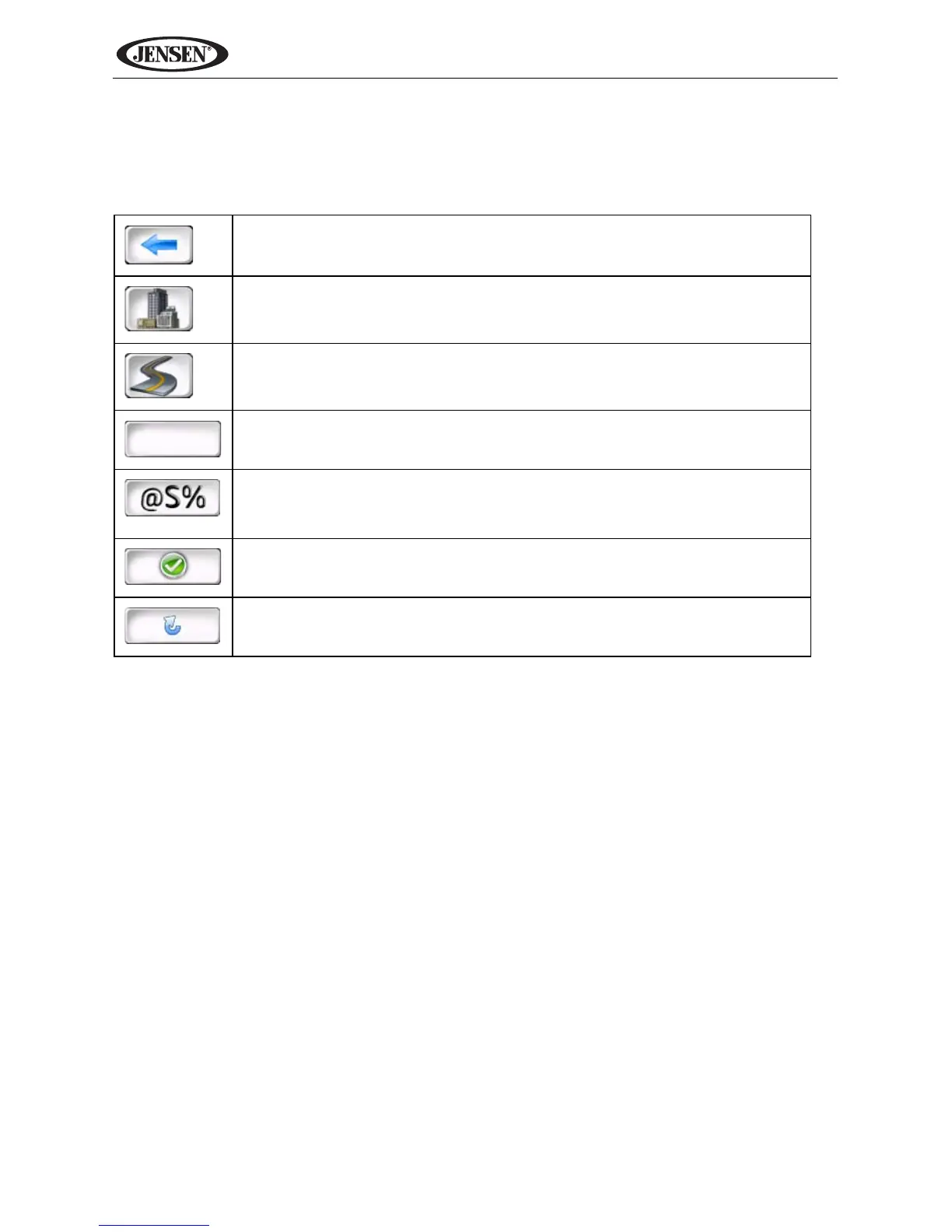
Table 1: Keyboard Command Buttons
Press to clear your selection and start over.
Press to switch to City entry.
Press to switch to Postal Code entry.
Press to add a space when entering a multi-word location.
When applicable, the specials characters button appears to the left
of the space button, allowing to complete your entry of a business
name. Press to view the special characters keyboard.
Press to confirm current entry and begin navigation.
Press to return to the previous screen.



 To Next Page