44
VM9414
Using the iPod Menu
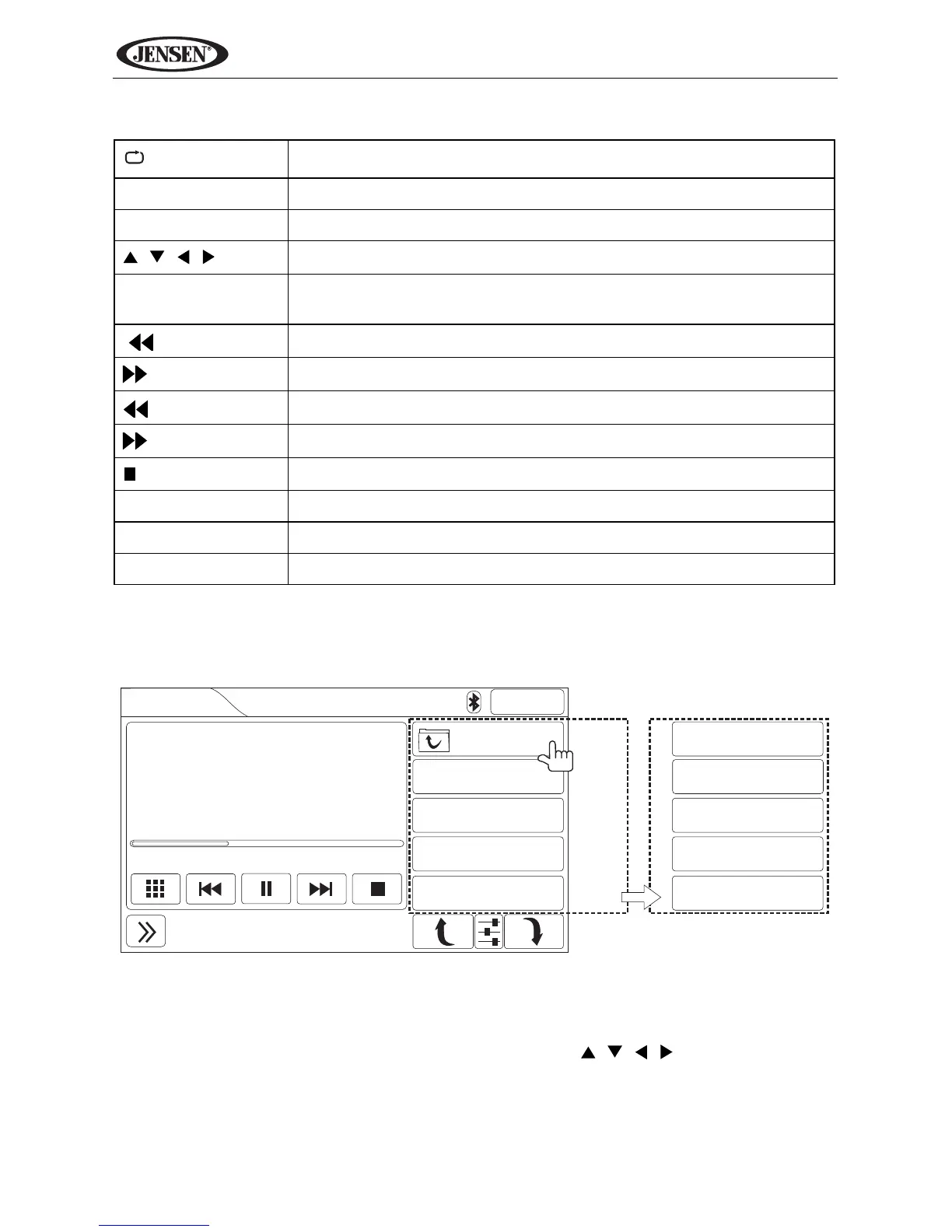
During music playback, the following screen is displayed:
Touch the top right button (indicated above) or press the ESC button (18) on
the remote control to access the iPod main menu.
Use the on-screen buttons or the directional keys ( , , , ) on the remote
control to navigate the iPod menu. If using the remote, press OK to select the
highlighted option.
Table 9: iPod Remote Control Functions
Press once to repeat song, twice to repeat album
SUB-T Select video menu
ANGLE Select music menu
, , ,
Navigate iPod menu
OK Select highlighted option or resume playback when paused/
stopped
|
Previous file
|
Next file
Rewind
Fast forward
/ BAND
Stop (press OK to resume playback)
ESC Access iPod main menu
ROOT Return to root folder
1-9, 0 (Keypad) Direct enter file number for playback



 To Next Page