76
VM9414
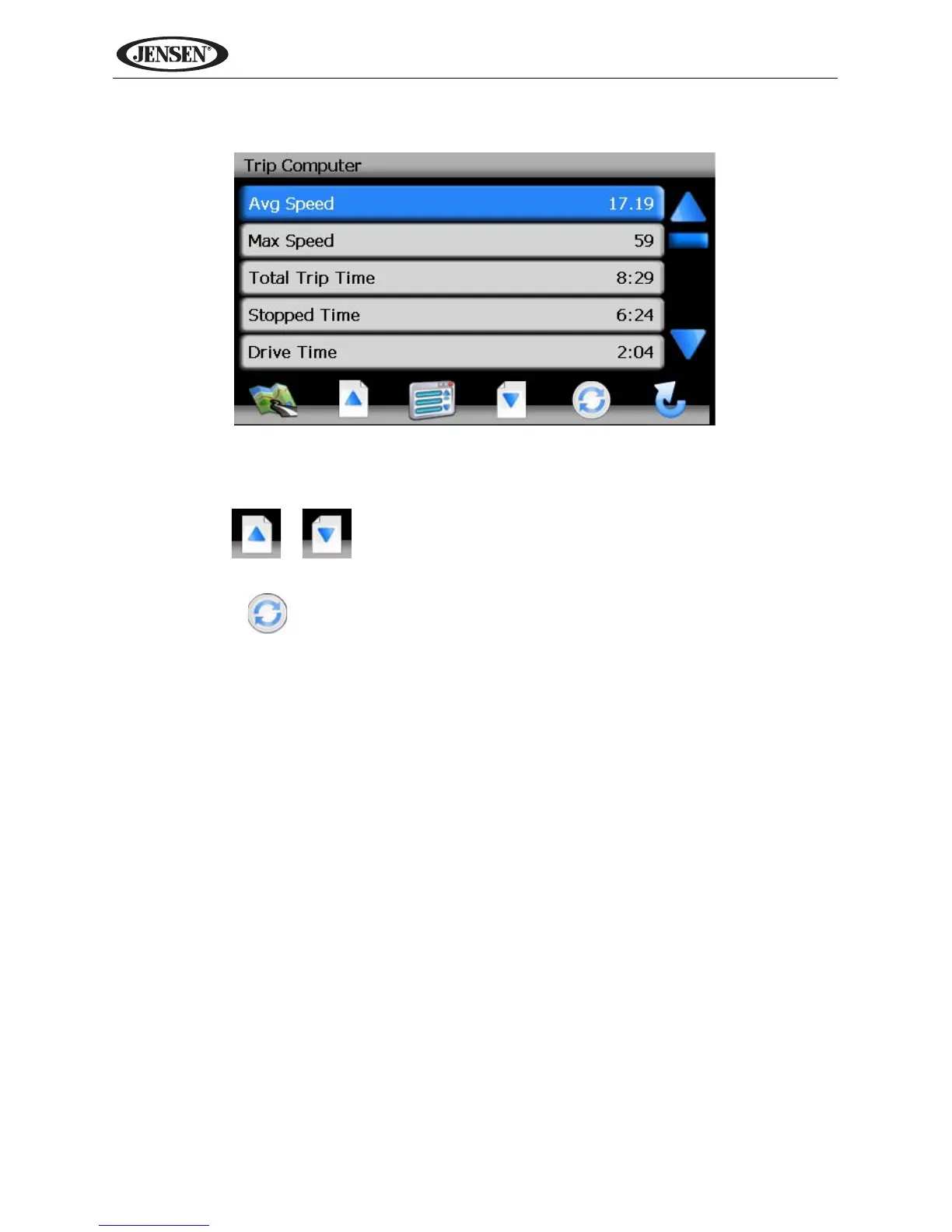
• Press the “i” icon to view detailed readings for each field.
• Press the blue /\ / V arrow buttons or use the scroll bar on the right side of
the screen to navigate the list.
• Use the / buttons to move through the list page by page.
• Touch the marked item to select it.
• Press the button to reset the current reading.



 To Next Page