15
Calibration
Calibrate the touch screen using the calibration setting function.
Recalibrating the touch screen:
1. Press the [ Calibration ] option on the setup menu to enter.
2. Touch [ Yes ] to enter.
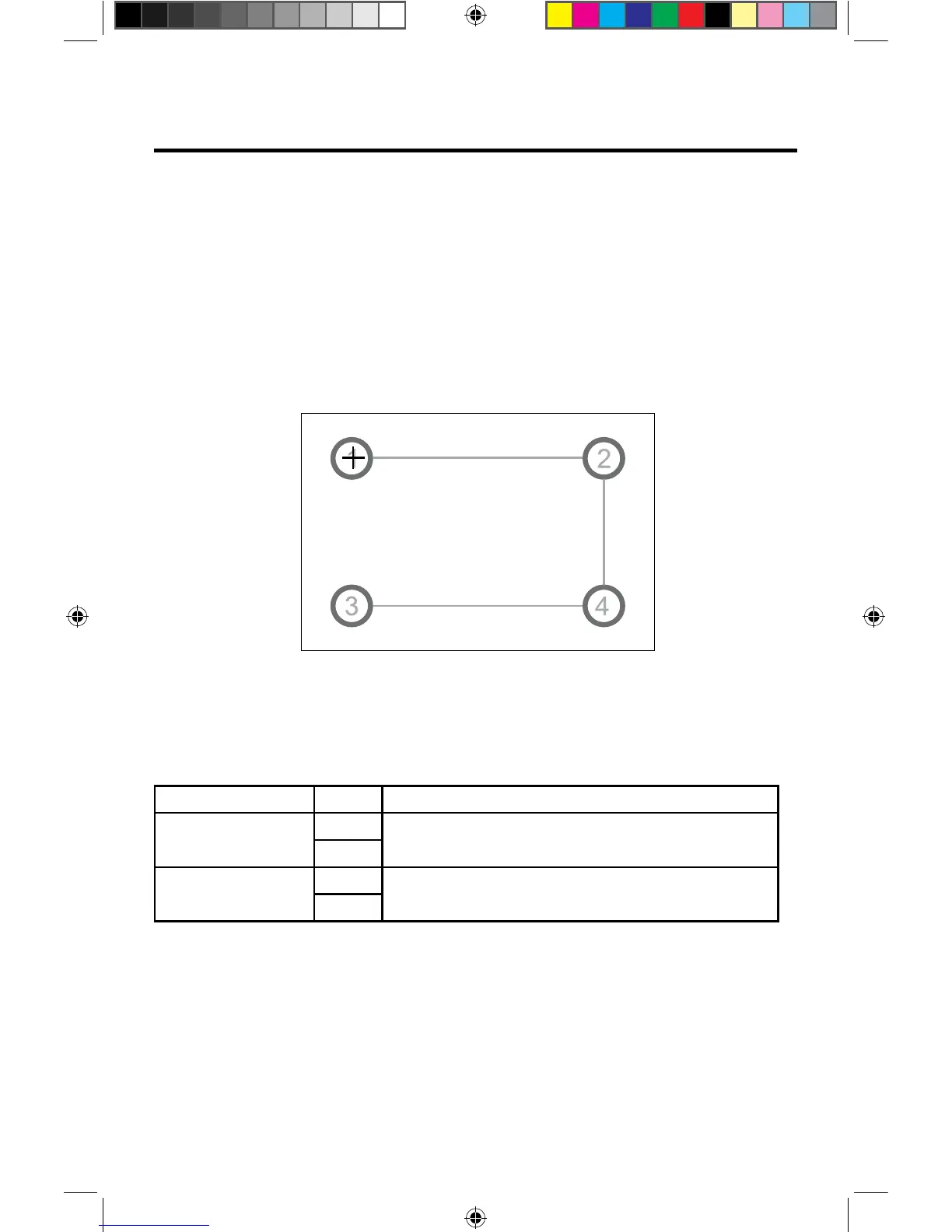
3. Press and hold the center of [ + ] for 5 seconds, the [ + ] will move automatically.
4.
Video Settings
1. Touch [Video].
2. Touch an option repeatedly to select.
Video settings Options Description
Aspect Ratio
Full
Adjust aspect ratio.
Normal
Rear Camera
Mirror
Reverse the camera image as if looking through a rear-view mirror.
Normal
3. Touch the return icon to exit and return to the previous screen.
Figure 8. Calibration Screen
Aim at center of [ + ], follow the path as shown in the figu e. Once steps 1-4 are
complete the system will automatically exit calibrating mode.
VX3012



 To Next Page