EQUALIZER CONTROL MENU
Adjusting Equalizer Controls
The Equalizer adjustment screen allows the user to easily adjust the audio system
to meet the acoustical characteristics of the vehicle depending on vehicle type
and cabin dimensions. For example: Proper setting of the audio controls can
improve the speakers frequency response.
The Balance/Fade levels and Loudness ON/OFF option of a selected audio/video
source (Disc, Radio, USB, AV-IN1, or AV-IN2) is also adjusted through the Equalizer
adjustment screen.
Equalizer (EQ)
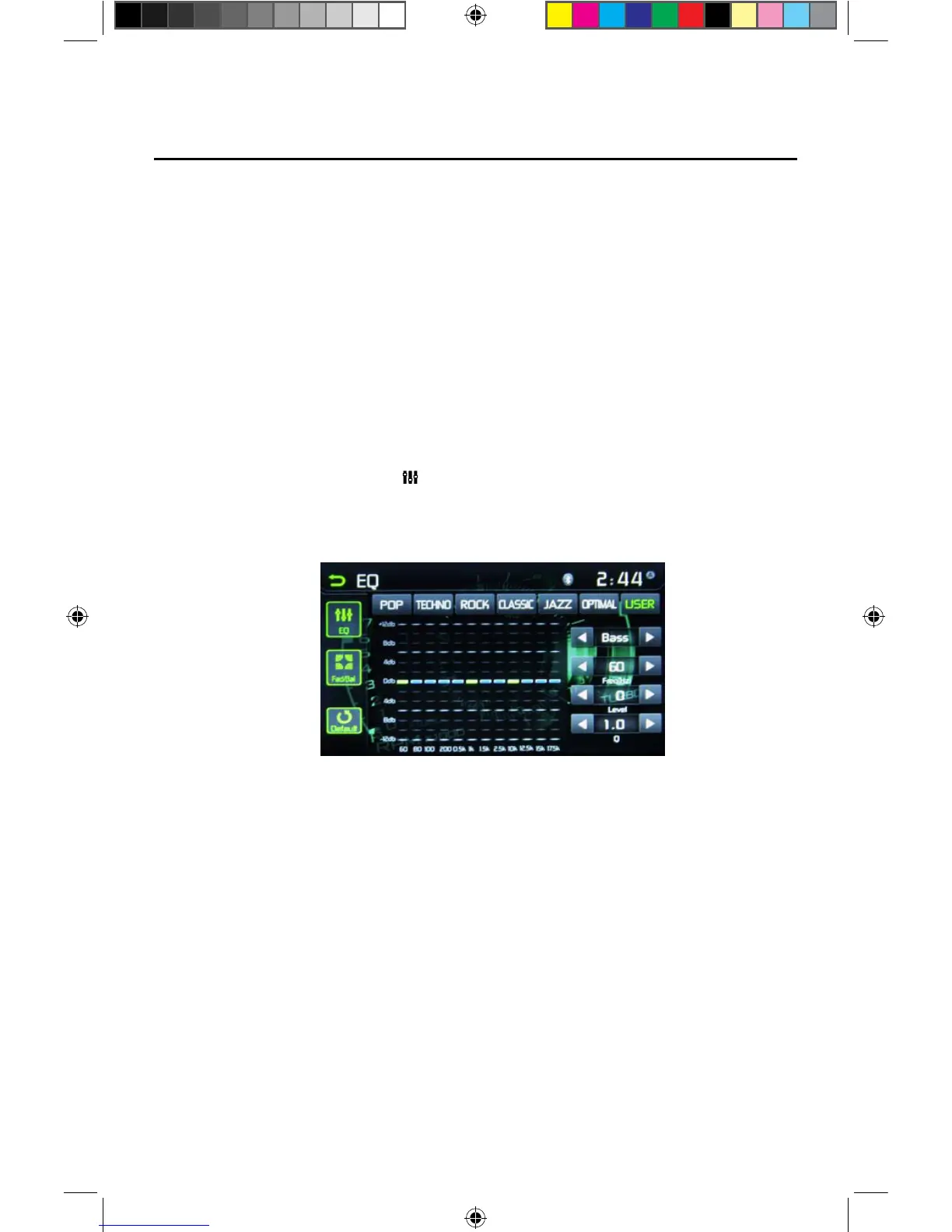
1. Touch the Equalizer (EQ / ) icon to view and select a desired acoustical
preset level ( Pop / Techno / Rock / Classic / Jazz / Optimal or User)
NOTE: The equalizer will automatically change to “USER” when individual
audio functions are adjusted.
Figure 18. Equalizer (EQ) Screen



 To Next Page