29
Pausing Playback
1.Touch the Pause icon [ ] on the bottom of the screen to pause play. “PAUSE” appears
in the display, and Pause icon[ ] will switch to a Play icon[ ].
2. Touch the Play icon [ ] to resume playback.
Selecting a Track
Track-up
Touch the Forward icon [ ] to move to the beginning of the next track.
Track-down
1. Touch the Back icon [ ] once to move back to the beginning of the current
track.
2. Touch the Back icon[ ] twice to move back to the beginning of the previous
track.
Fast Forward/Fast Reverse
Fast forward
Touch and hold the Forward icon [ ].to fast forward a track.
Fast reverse
Touch and hold the Back icon [ ]to fast reverse a track.
Repeat Play
This function allows the user to play the track repeatedly by touching the Repeat
icon [ ] to select Repeat one or Repeat all.
Random play
This function allows the user to play all tracks recorded in a random order
by touching the Random icon [ ] to perform random play.
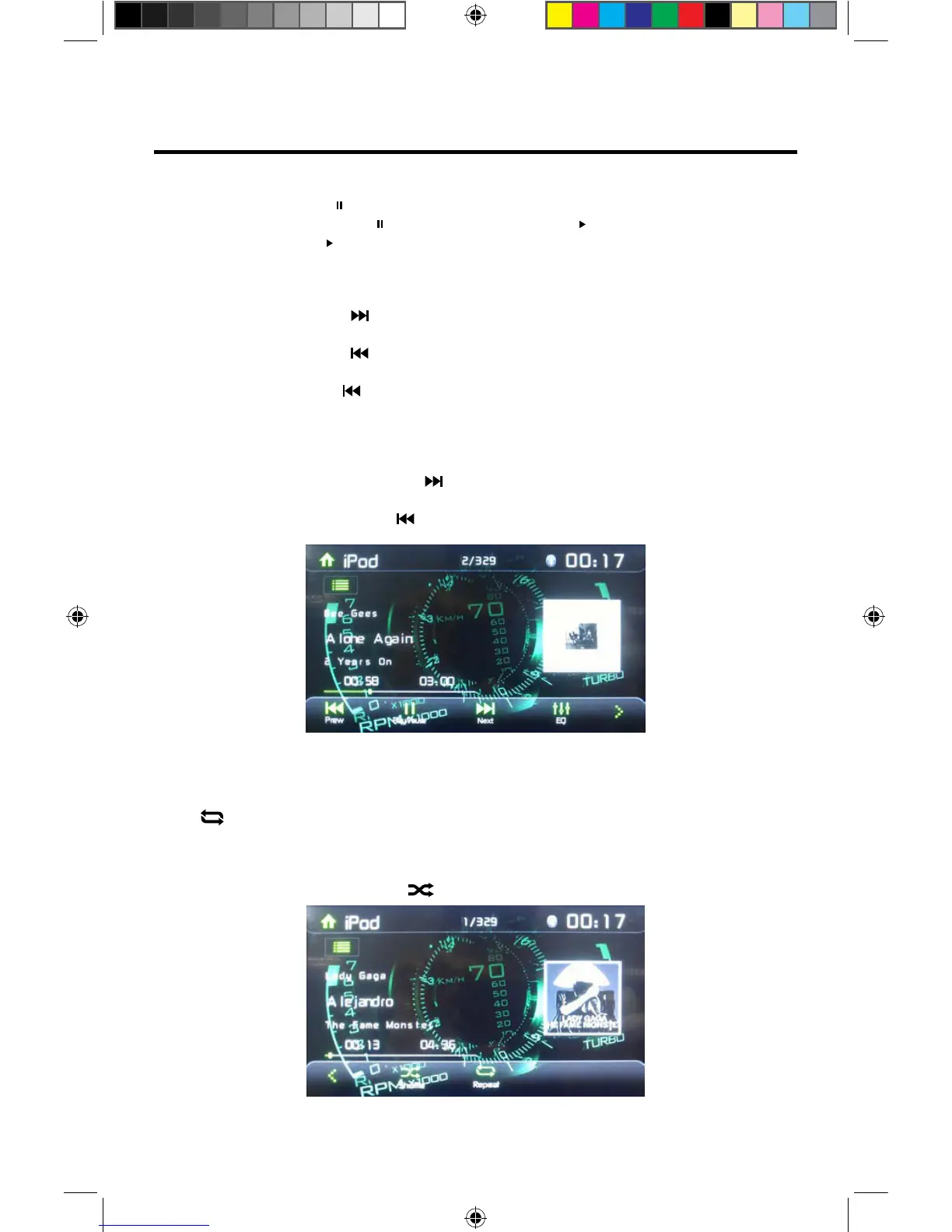
Figure 22. iPod®/iPhone® Play/Pause and Track Controls
Figure 23. iPod®/iPhone® Repeat Play and Random Play Controls
VX3012



 To Next Page