24
VX7010
When GPS position is available, the Vehimarker is displayed in full color, now
showing your current position.
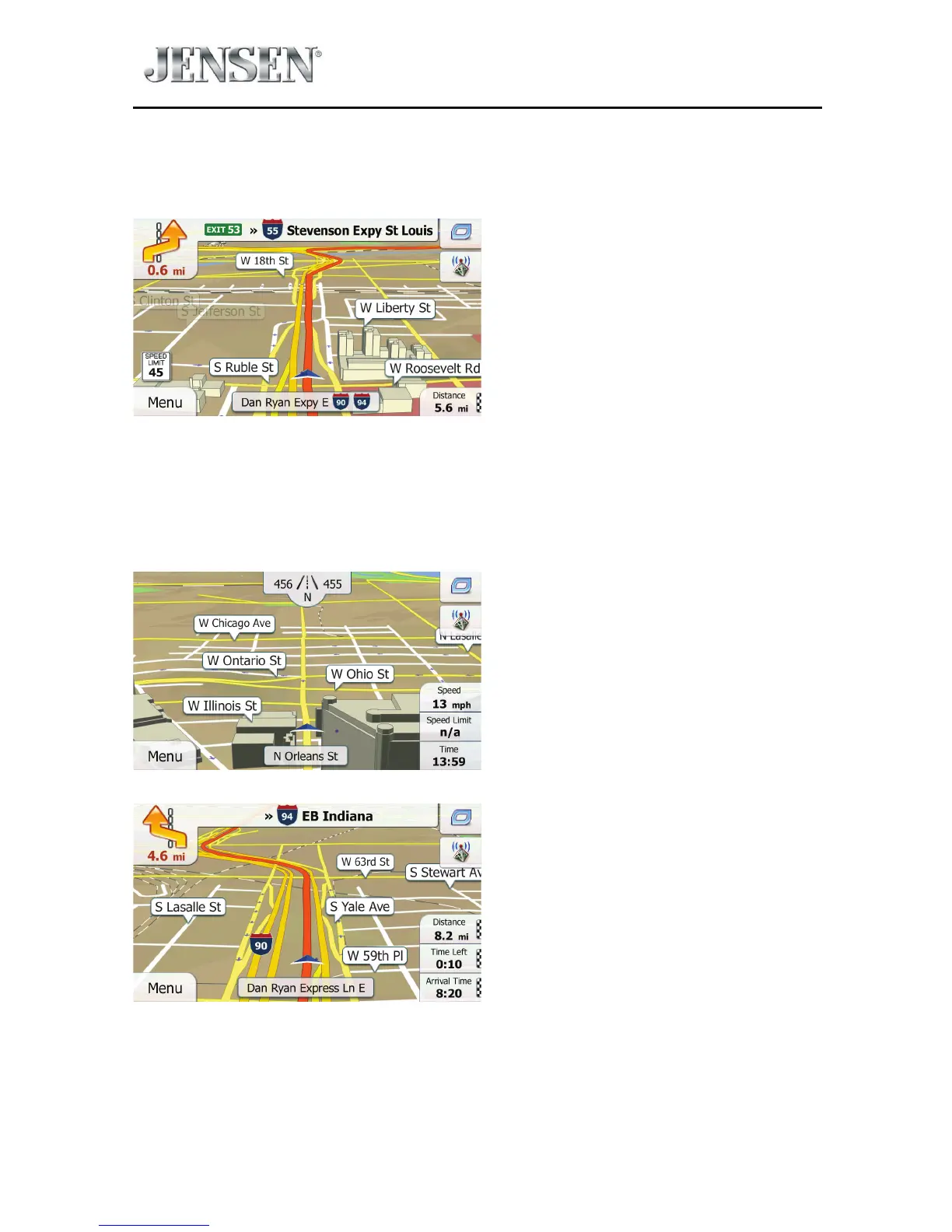
There are screen buttons and data elds on the screen to help you navigate.
During navigation, the screen shows route information.
By default, only one data eld is displayed in the bottom right corner. Tap this eld
to see all route data elds.
Tap any of the data elds to suppress others and display only the selected one.
The data elds are dierent when you are navigating an active route and when
you have no specied destination (the orange line is not displayed).



 To Next Page