23
VX7010
MAP SCREEN
The Map screen is the most frequently used screen of iGO primo.
Navigating On the Map
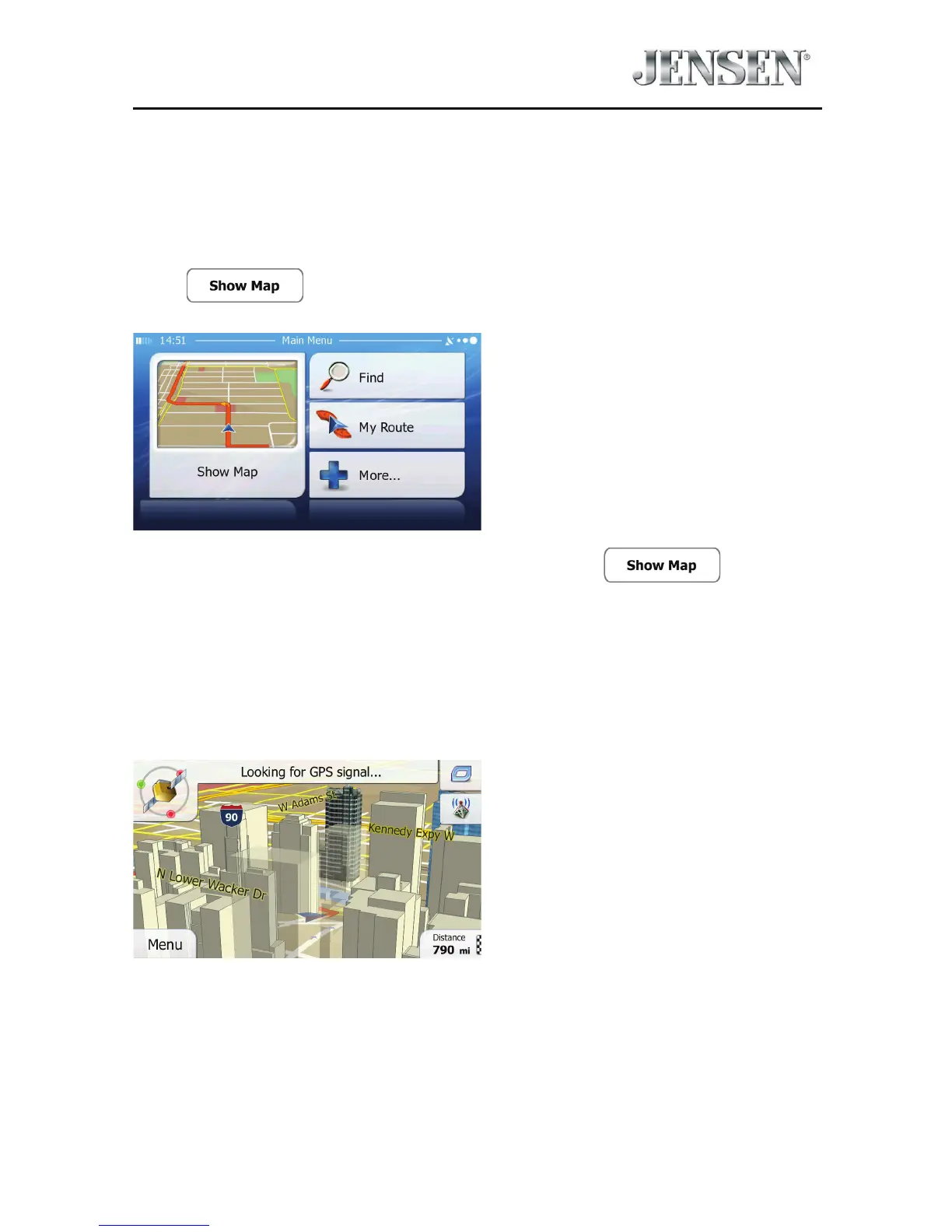
A small live map is displayed on the startup screen, the Navigation Menu, as a part
of the
button.
To enlarge this small map and open the Map screen, tap .
This map shows the current position (the Vehimarker, a red arrow by default), the
recommended route (an orange line), and the surrounding map area.
When there is no GPS position, the Vehimarker is transparent. It shows your last
known position.
You see colored dots circling around a satellite symbol in the top left corner. The
more green dots you see, the closer you are to get the valid GPS position.



 To Next Page