91
VX7010
VIEWING THE ENTIRE ROUTE ON THE MAP
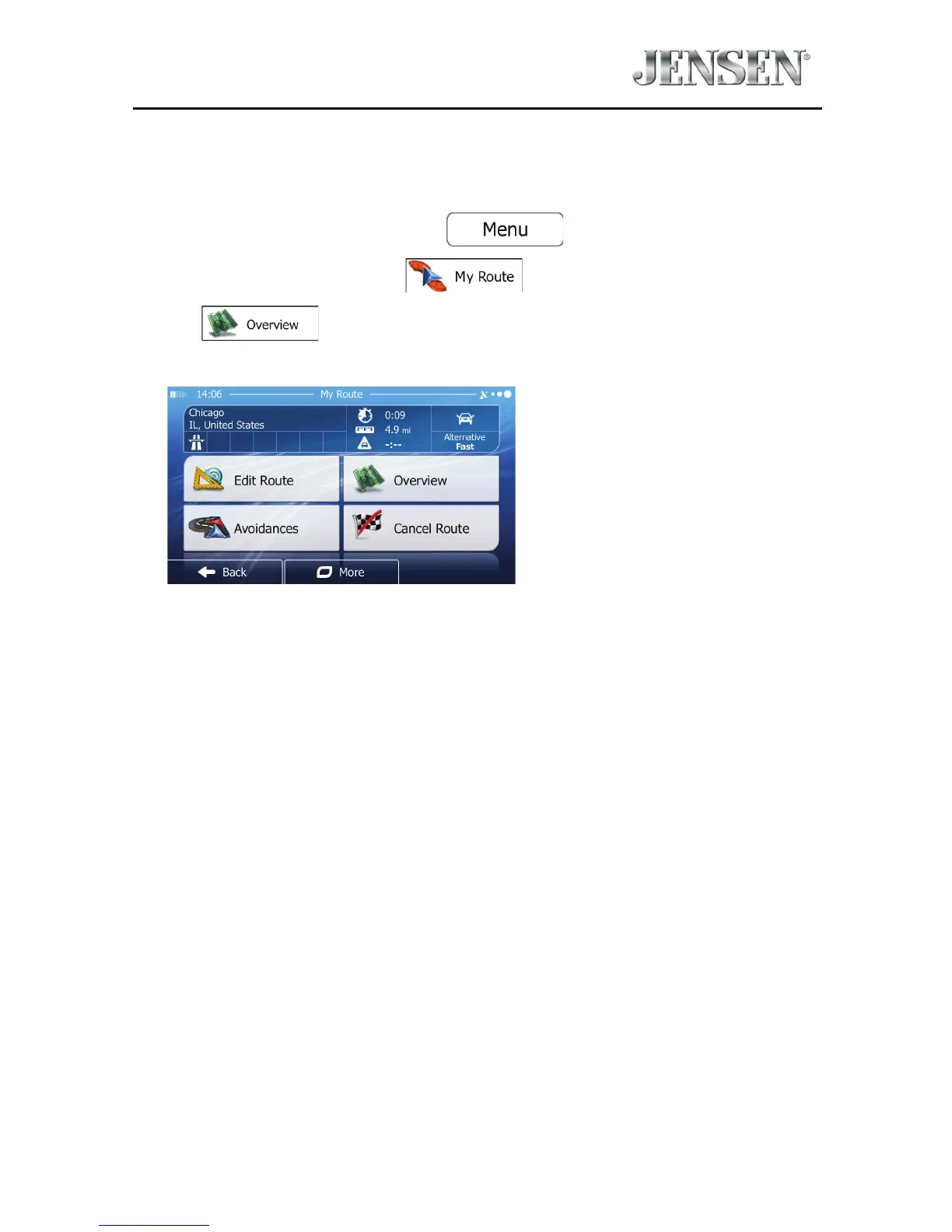
It is easy to get a map overview of the active route. Do as follows:
1. If you are on the Map screen, tap
to return to the
Navigation menu.
2. In the Navigation menu, tap
.
3. Tap
. The active route is displayed in its full length on the map
together with additional information and controls.



 To Next Page