103
VX7010
SAVING A LOCATION AS A FAVORITE
DESTINATION
You can add any location to Favorites, the list of frequently used destinations.
1. Select a destination as described before. It can be an address, a Place, any
location on the map, a previously used destination from History, a coordinate
or a location where a photo was taken.
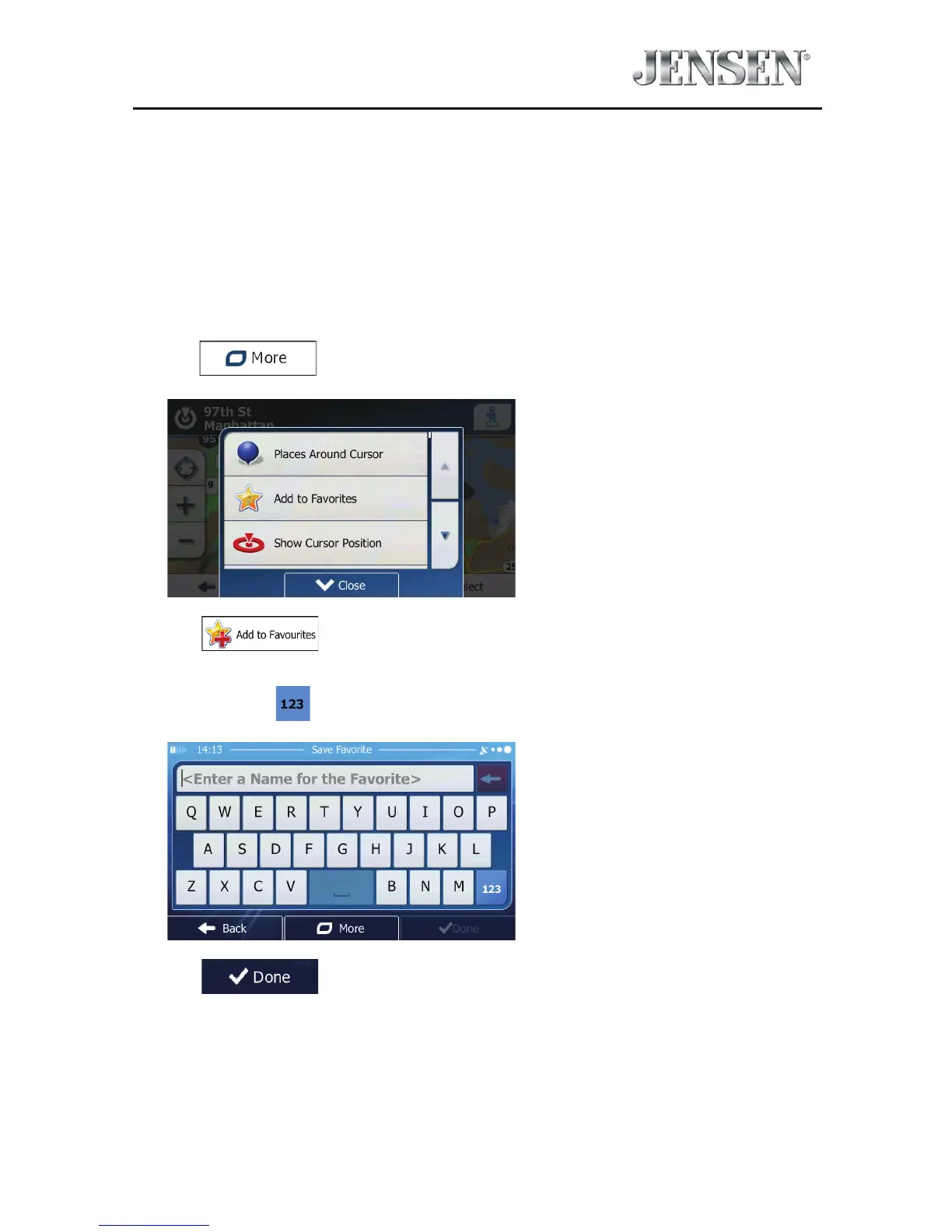
2. When the full screen map appears with the selected location in the middle,
tap
.
3. Tap .
4. (Optional) Using the keyboard, you can change the name oered for the
Favorite. Tap
to enter numbers or symbols.
5. Tap to save the location as a new Favorite destination.



 To Next Page