7
Removing Panels
In order to get access to some of the component for the installation, some of the panels need
to be removed from the machine. It is important to pay attention on the assembly aspect of
the machine. The panels must be replaced exactly once the job is completed.
IMPORTANT NOTE: IF THE MACHINE IS ALREADY CONNECTED TO POWER OR
WATER, make sure that both the power and the water is shut off before the panels are
removed.
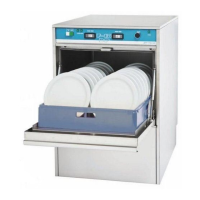
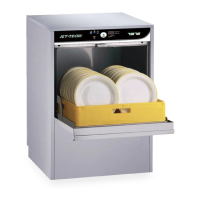
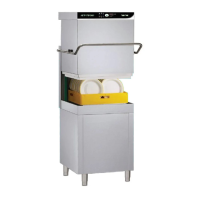
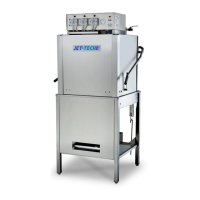
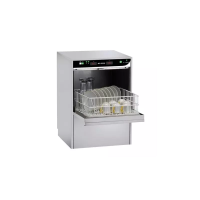
F-16DP
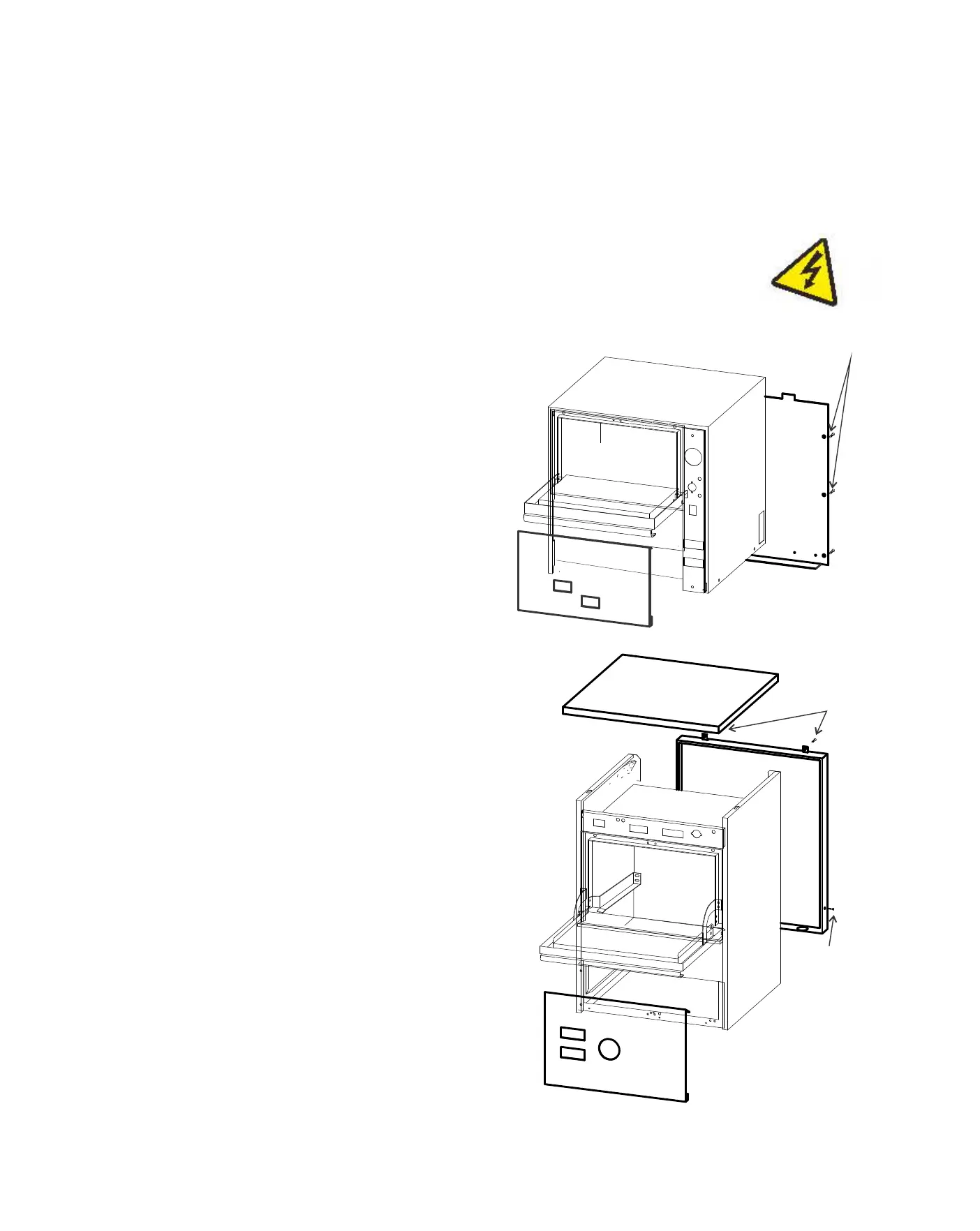
Only the front bottom panel needs to be removed to access
the chemical pumps. Should it be necessary to access the
inside of the machine, the panels should be removed in a
specific sequence.
1) using a phillips screw driver, remove the two screws
located at the back of the top panel (A).
2) Once removed, the panel should slide towards the back
and pull up.
3) the rear panel is held by two phillips screws, one on either
side (B).
4) the panel must be lifted up and pull away.
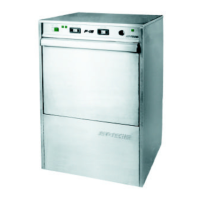
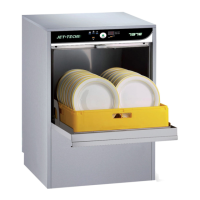
F-14
On the F-14, the rear panel can removed by taken
out the six phillips screws(A). The front panel can
be removed by prying it out. Insert a flat tool on the
edge of the panel and pry out.
A
A
B


 To Next Page