EN
• Temperature – actual temperature of Central Box
• Information on the status of receivers - number of detected
channels and the period of signal
4.2 Minimum / Maximum values
*CENTRAL BOX*: MIN / MAX – by pushing the D button (down
arrow) you select a display of extreme voltage, current,
temperature, and status of the receiver, which occurred during the
operation. Recorded extremes are deleted manually in the Settings
menu - Erase Data.
• Minimal voltage – the lowest voltage detected by the Central
Box on the inputs during its operations
• Maximal voltage – the highest voltage detected by the Central
Box on the inputs during its operation
• Maximal current – the highest current detected by the Central
Box on the inputs during its operation
4.1 Actual values
*CENTRAL BOX*:
Actual Value – by pushing the D button (down arrow) you select
the display of actual measured values
• Accu voltage - shows the actual voltage of both inputs
• Accu current - displays the actual current flowing from the
battery to the output
• Accu capacity – consumed capacity of each battery
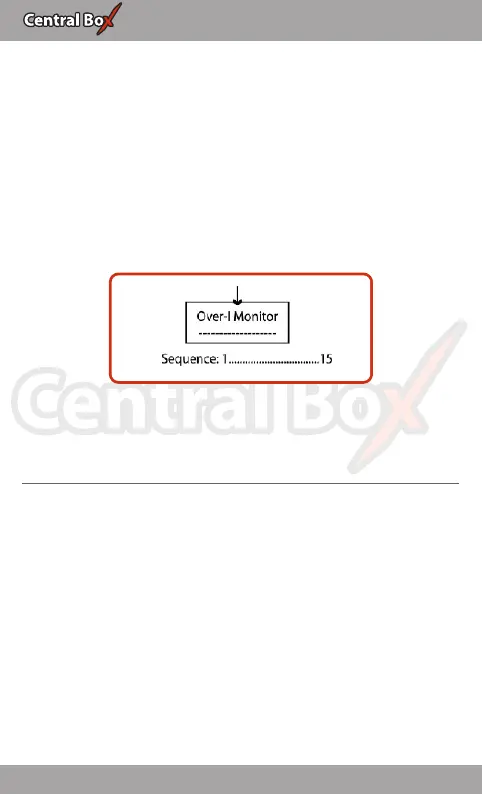
• Over-I Monitor - indication of servo output; (-) output is fine (x)
the output is overloaded. Outputs are ordered:
Fig. 13: Description of outputs
15 EN


 To Next Page