EN
4.6 Service information
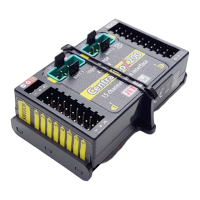
*CENTRAL BOX*: SERVICE – pushing the D button (down arrow)
moves you to the display of the firmware version and the menu for
restoring the default settings of the Central Box.
• PresetToSetup – pushing arrows R and L (right and left) together
leads to loading the default settings of the Central Box.
• CBOXxxx v. xx.xx ID xxxxx:xxxxx – designation of the product
with the firmware version and the serial number (ID)
19 EN


 To Next Page